Unveiling Nano Banana Pro: The Architecture Behind Perfect Consistency
Consistency has always been the biggest challenge in generative AI. We explore how the new "Plan-Generate-Self-Check" engine in Nano Banana Pro is solving this problem at 4K resolution.
What is Nano Banana Pro? The "Self-Checking" AI
Think of traditional AI models like a fast sketch artist who draws with their eyes closed. They work quickly, but they often make silly mistakes and don't look back at what they drew.
Nano Banana Pro is different. It acts like a professional designer.
It uses a technology called the "Plan-Generate-Self-Check" engine. Instead of just spitting out an image, it follows a three-step process:
- Plan: It understands your prompt logically.
- Generate: It creates the image.
- Self-Check: It "looks" at the image to find mistakes (like bad hands or weird eyes) and fixes them before showing you the result.
4 Major Breakthroughs of Nano Banana Pro
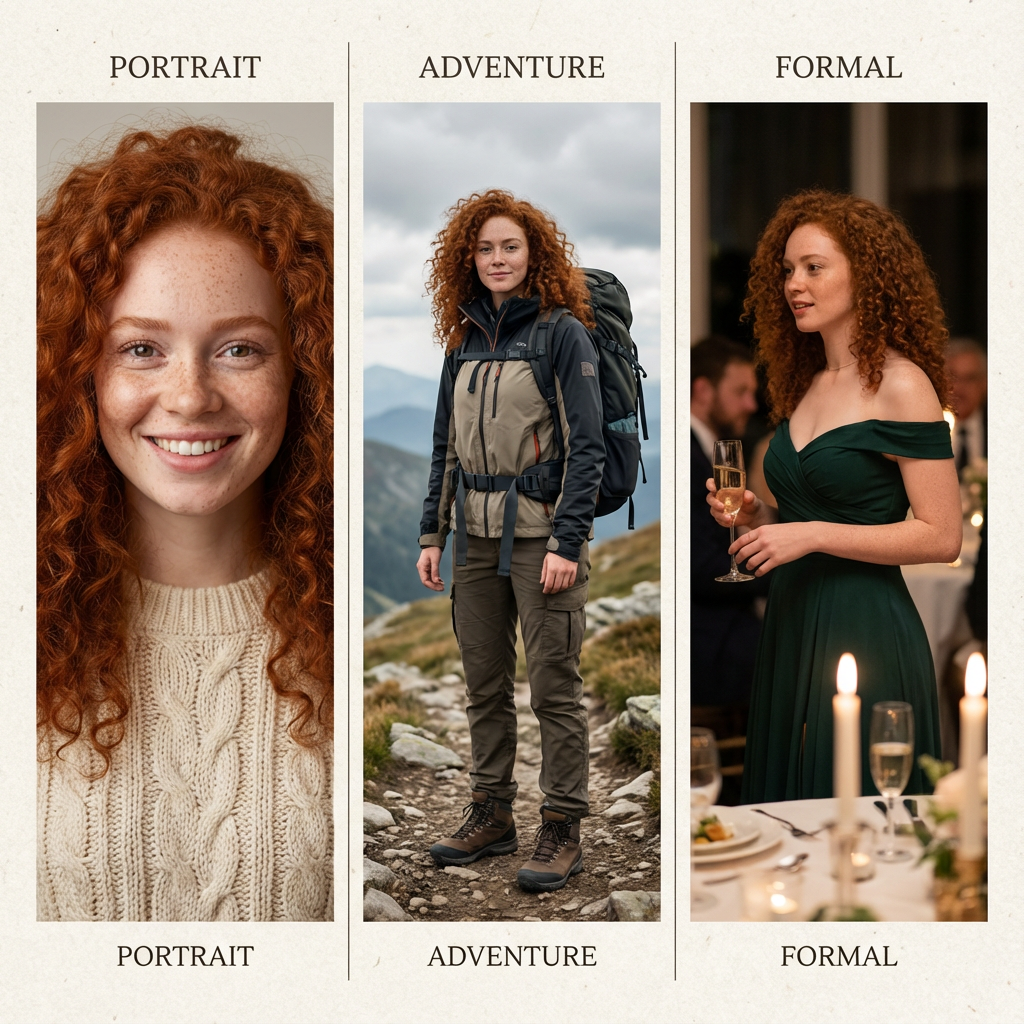
1. Astonishing Image Consistency
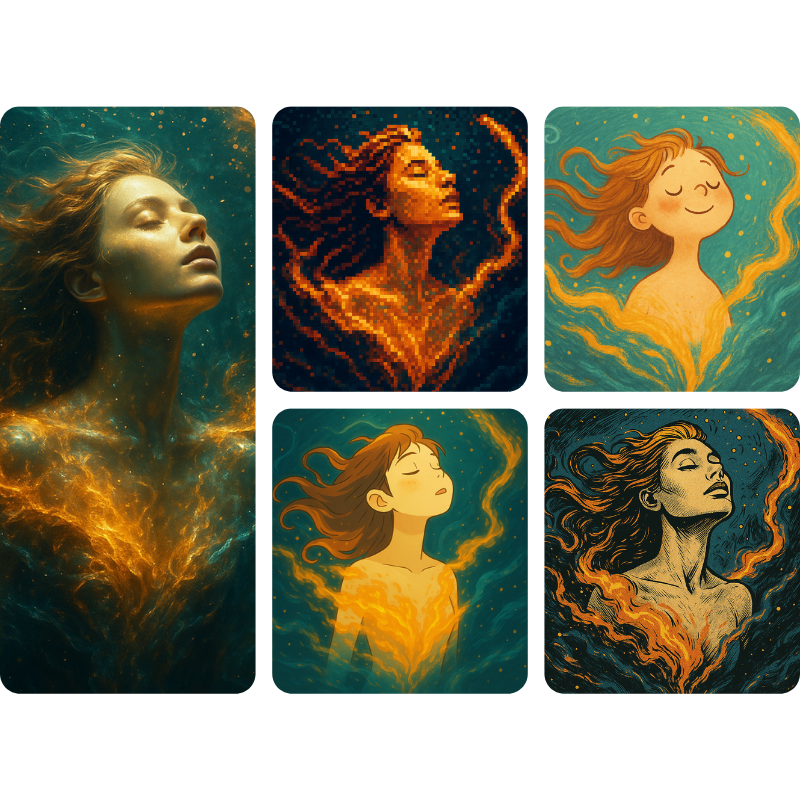
For AI photo editing and character design, consistency is king. Nano Banana Pro demonstrates exceptional capability here. Whether you are changing a person's background, clothing, or pose, it precisely maintains:
- Facial features
- Body shape
- Expression details
It achieves the holy grail of editing: "Making precise changes only where intended."
Example:
2. Profound World Knowledge & Logic
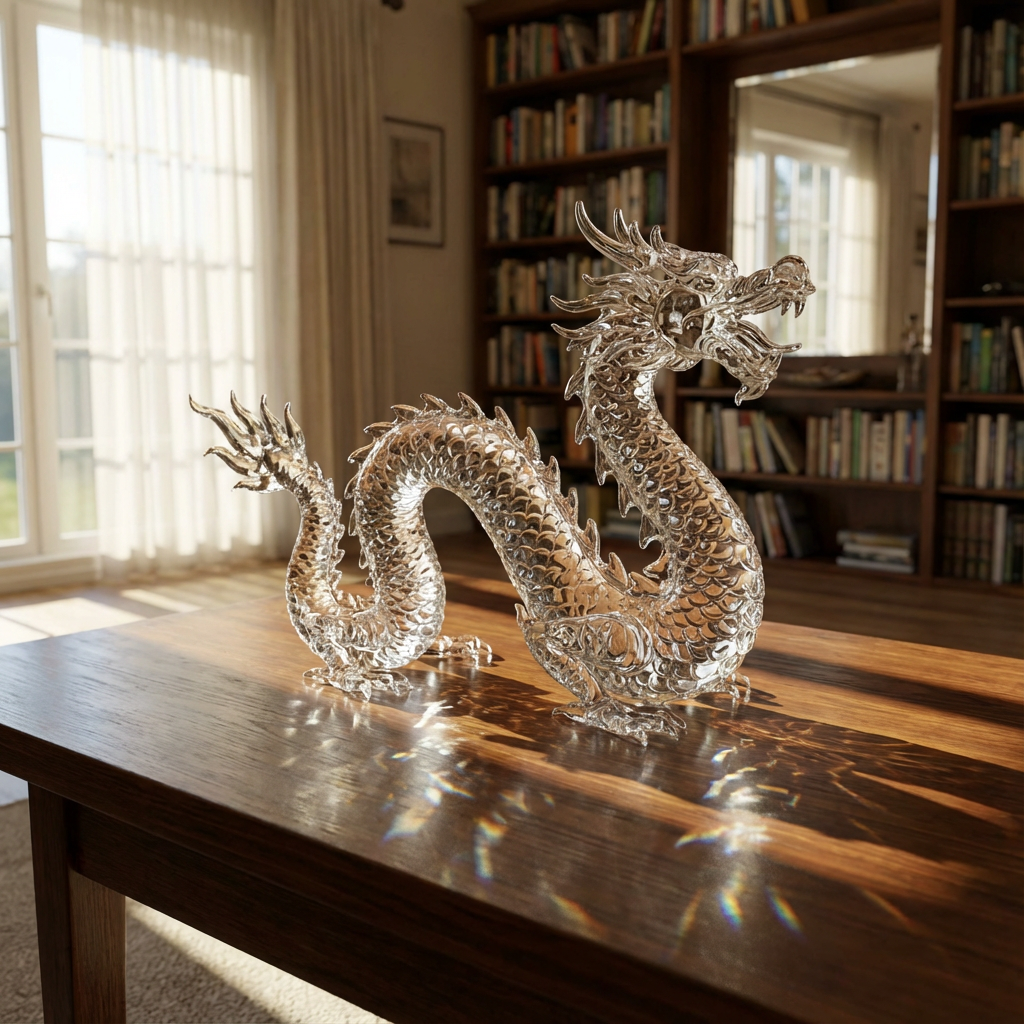
Unlike previous models that strictly adhere only to prompts (often blindly), Nano Banana Pro exhibits enhanced logical reasoning.
- Context Awareness: If you add an outdoor swimming pool to a group photo, the model automatically introduces a sensible "haze effect" or matches the lighting direction.
- 3D Inference: When generating a top-down view from a flat image, it can infer and complete objects obscured in the original view.
Example:
3. Superior Text Rendering
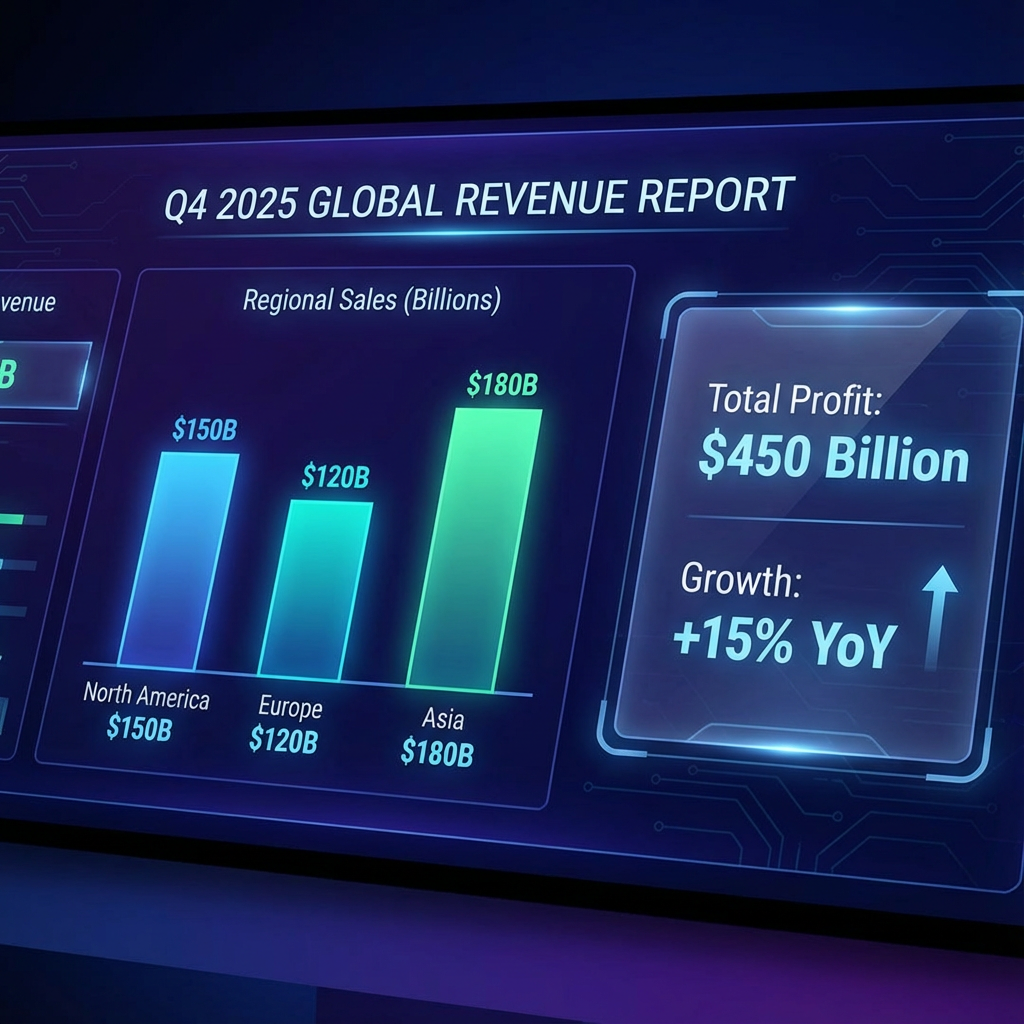
Nano Banana Pro achieves a major breakthrough in AI text rendering. It can generate complex web interfaces, charts, and UI screenshots with a fidelity so high they can be mistaken for real captures.
Example:
4. Native 4K & Flexible Output
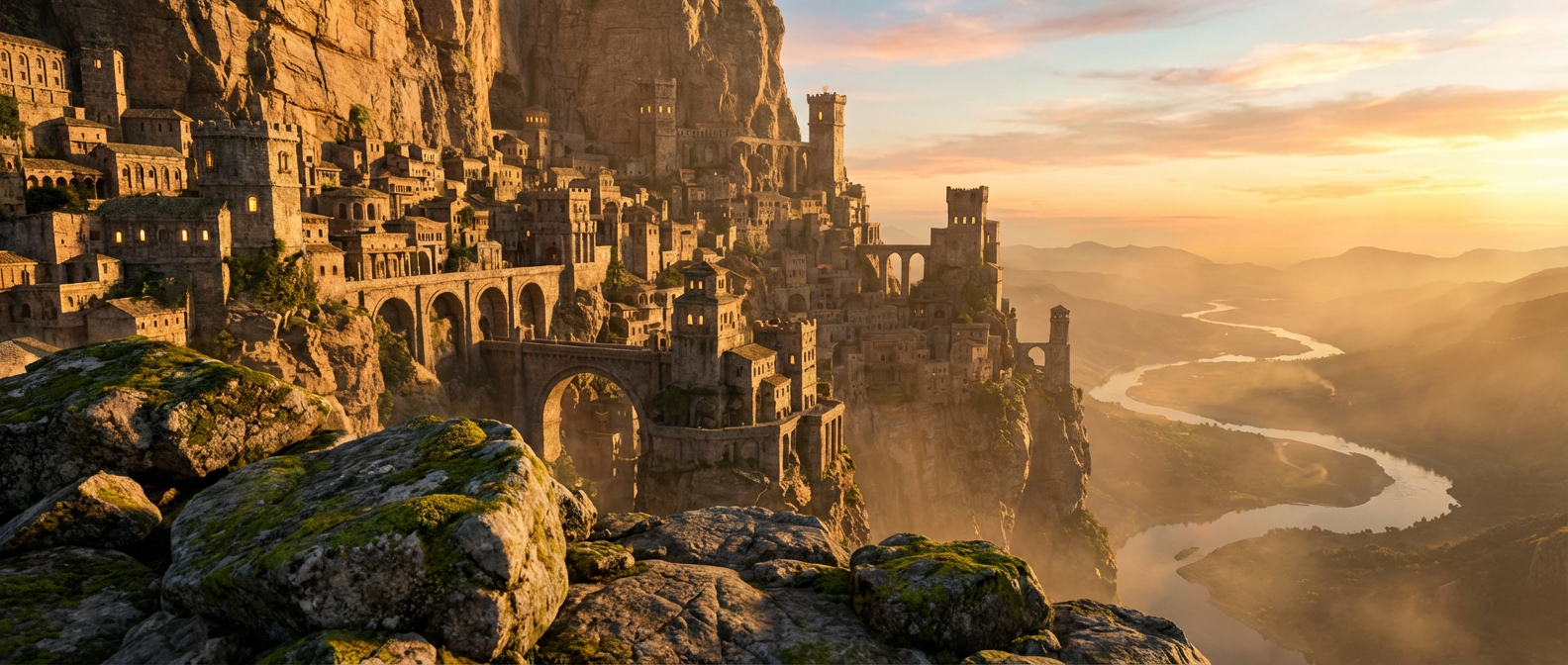
From social media (1:1) to cinematic shots (21:9), and resolutions ranging from 1K to 4K, the model meets diverse professional needs. This flexibility makes it a true high-resolution AI image generator.
Example:
What Can You Actually Do With It?
Nano Banana Pro is built to solve the three biggest problems creators face today.
1. Create Consistent Characters (Storytelling)
- The Problem: You are making a comic book or a storyboard. In panel 1, your hero has a beard. In panel 2, the beard is gone. In panel 3, he looks like a different person.
- The Solution: Nano Banana Pro remembers facial structures. You can generate a character in a coffee shop, then generate the same character on a spaceship. The lighting changes, but the face remains the same.
2. Generate Readable Text (Marketing)
- The Problem: You want to make a poster that says "COFFEE". AI usually writes "COFFFE."
- The Solution: Because the model "checks" its work, it notices spelling errors and corrects them. You can now generate logos, posters, and UI designs with perfect text.
3. Edit Without Ruining the Image (E-commerce)
- The Problem: You have a perfect photo of a product, but you want to change the background. Usually, AI distorts the product while changing the background.
- The Solution: Nano Banana Pro understands layers. It can replace the background while keeping the main subject pixel-perfect.
Nano Banana Pro vs. Nano Banana 1: The Qualitative Leap
This isn't just a patch; it is a generational shift. Here is how the Pro version compares to V1 (Gemini 2.5 Flash Image):
| Comparison Metric | Nano Banana 1 | Nano Banana Pro |
|---|---|---|
| Core Logic | Single-step ("One-click output") | Multi-step Self-Check (Plan-Review-Correct) |
| Character Consistency | Moderate; prone to feature drift | Near-Perfect Consistency |
| Text Quality | Often distorted or illegible | High Precision (Charts/Infographics) |
| World Logic | Good | Significant Enhancement (Common Sense) |
| Multi-Image Fusion | Limited | Seamless Fusion |
| Resolution | Standard HD (1024×1024) | Native 2K / 4K Super-sampling |
In addition to the specs, the image realism has drastically improved. The typical "plastic look" of older AI is gone, replaced by photorealistic lighting and texture.
How to Use Nano Banana Pro
Using Nano Banana Pro is simple, but leveraging its "Pro" features requires the right workflow. Here is how to navigate the interface:
Step 1: Select Mode and Aspect Ratio
Before writing anything, look at the top and bottom of the panel:
- Choose your Mode: Select "Text to image" for creating from scratch, or switch to "Image to image" if you want to edit an existing photo or maintain character consistency based on a reference.
- Pick Image Size: Under the "Image Size" section, select your desired ratio (e.g., 16:9 for cinematic wallpapers, 4:3 for photography, or 5:4 for portraits).
Step 2: Write a Logic-Based Prompt
In the text box ("Describe what you want to create..."), you don't need massive negative prompts (like no bad hands). Instead, focus on logical relationships:
Bad Prompt: "A cat on a table."
Pro Prompt: "A cat sitting on a wooden table looking at a fishbowl. Cinematic lighting from the left window."
Note: The input box supports up to 5000 characters, so feel free to be detailed.
Step 3: Generate (Check Your Credits)
Once your prompt is ready, check the bottom bar.
- You will see the "Required Credits" (usually 10 for Pro models).
- Click the yellow "Generate image" button.
Tip: Because the model performs a "Self-Check" internally, generation might take a few seconds longer than basic models—this is normal, it's fixing mistakes for you!
Summary
Nano Banana Pro is not just about better graphics; it is about control. It moves AI from a "random image generator" to a "production tool."
Whether you are an e-commerce seller needing product photos, a writer visualizing a story, or a designer building a mockup, the "Self-Check" feature saves you hours of trying to fix AI mistakes manually.!