Run Z-Image Turbo Online: No GPU or ComfyUI Installation Needed
If you've been following the AI art community recently, you’ve definitely noticed the massive hype around "ComfyUI Z-Image". It is everywhere. From Reddit to Twitter, creators are sharing stunning, photorealistic results that leave everyone asking: "Which model is this?" The answer is Z-Image (specifically the groundbreaking Z-Image Turbo). This model has rapidly become the new gold standard for AI photorealism, capable of understanding complex prompts and rendering lighting with a level of detail that leaves older checkpoints in the dust. Data shows that interest in the z-image model and z-image lora is skyrocketing globally. Everyone wants to test its incredible ability. But for many, the excitement stops the moment they try to set it up locally.
The Struggle with ComfyUI Workflows
Let’s be honest: for the average user, the ComfyUI install process is a nightmare.
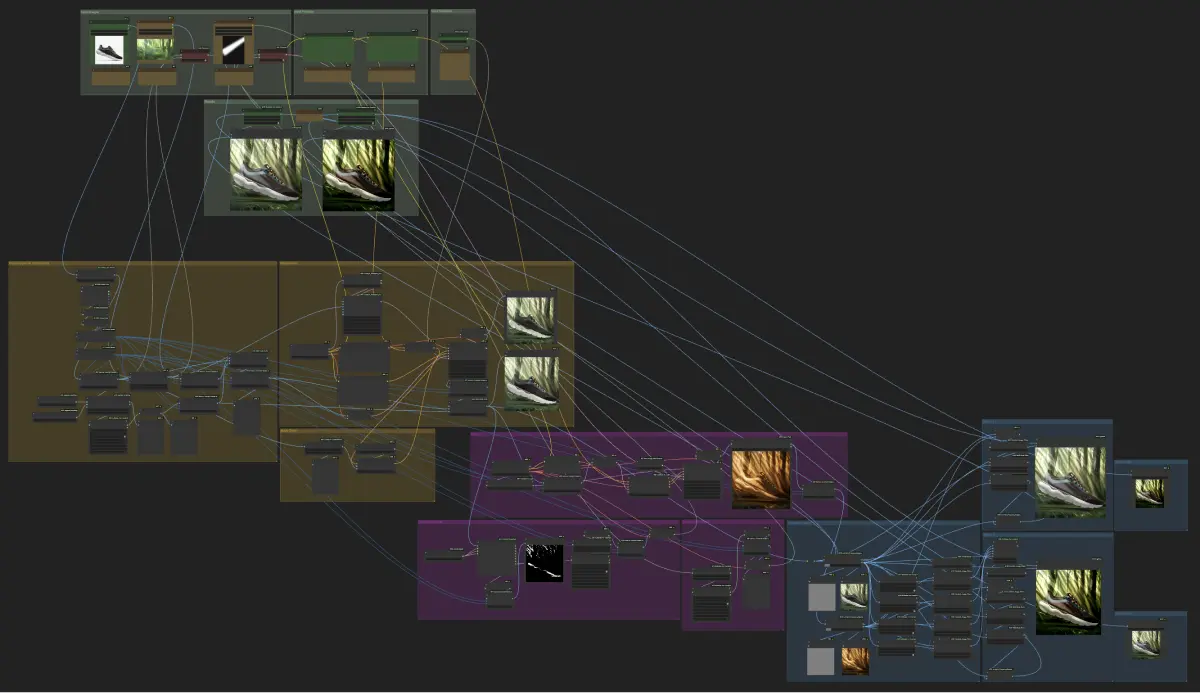 (Complex node graphs and installation errors are common barriers for local users.)
- You have to navigate complex Python environments.
- You spend hours searching for the correct ComfyUI workflow JSON files, only to find they are missing custom nodes.
- You need to handle massive ComfyUI download sizes for checkpoints and GGUF files.
- And most importantly: You need a powerful GPU.
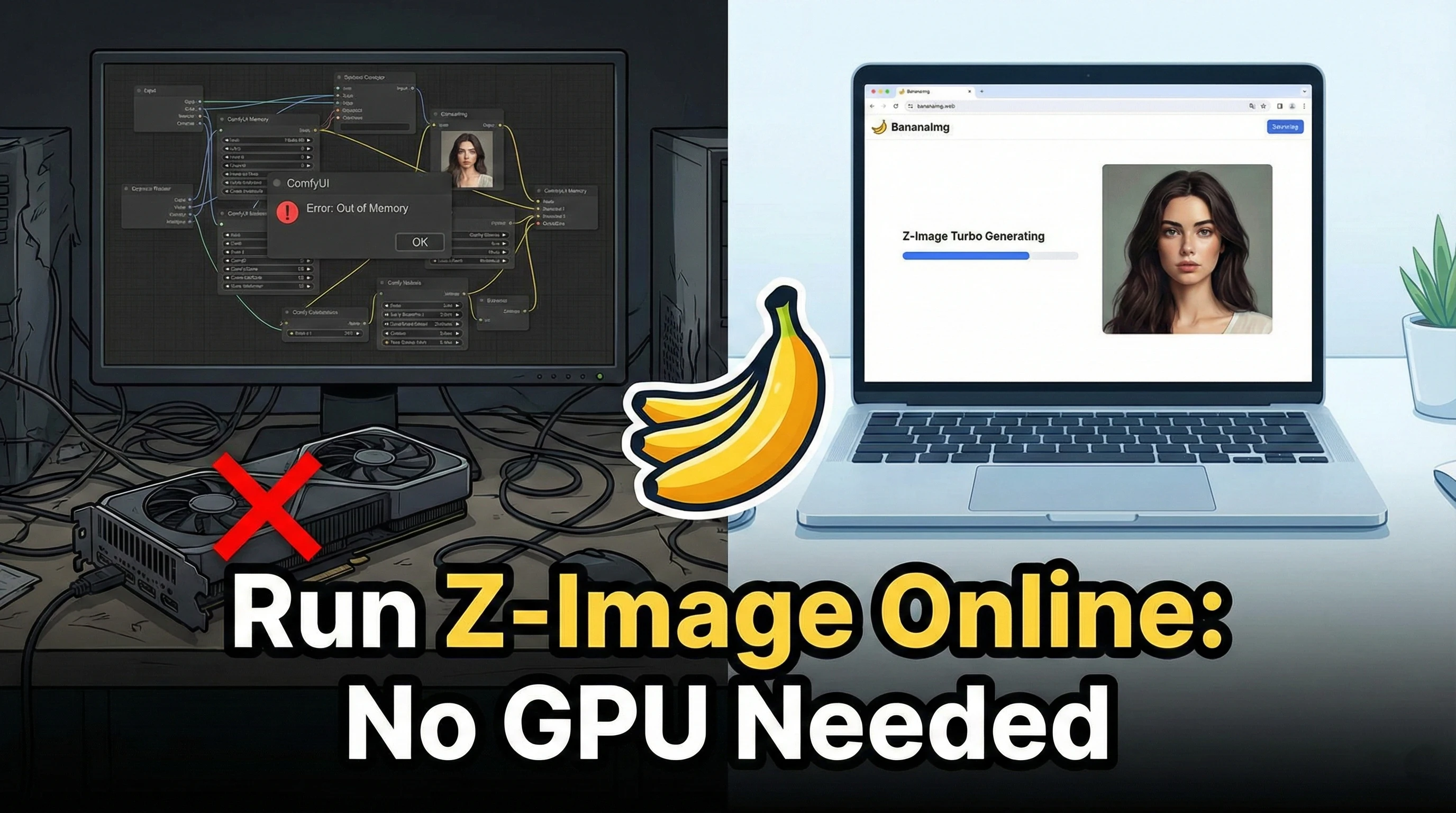
If you don't have a high-end NVIDIA card with massive VRAM, running the z-image model locally is slow, painful, and often results in "Out of Memory" errors.
The Solution: Play with Z-Image Turbo on BananaImg
We believe creativity shouldn't be limited by your hardware. That’s why BananaImg has fully integrated the Z-Image Turbo model, making it accessible to everyone, right now.
With BananaImg, you can skip the technical headaches. We host the model on our powerful cloud GPUs, so you don't have to download a single file.
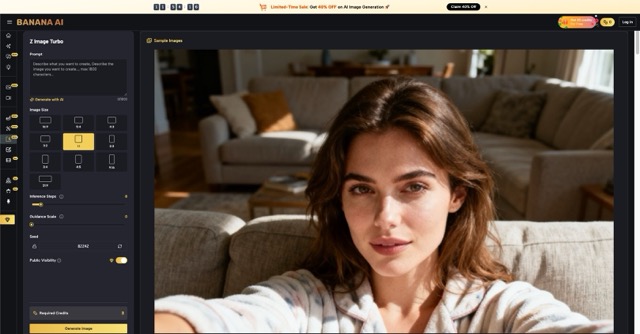 (BananaImg's simple, no-code interface.)
Why Choose BananaImg for Z-Image?
- Zero Setup: No need to figure out
comfyui ggufor install git. Just open your browser. - Blazing Fast Speed: We utilize the Turbo version of the model. This means you get high-quality generations in seconds, not minutes.
- Focus on Creation: Stop debugging node graphs. Just type your prompt, and let our optimized backend handle the rest.
How to Generate Z-Image Art Instantly
Ready to try the model everyone is talking about? Here is how to do it in 3 simple steps:
- Visit the Tool: Go directly to our Z-Image Turbo Generator.
- Enter Your Prompt: Describe what you want to see. The Z-Image model is excellent at understanding natural language descriptions.
- Click Generate: Watch as your idea comes to life instantly.
🎨 Z-Image Showcase
Image 1: Photorealistic Portrait
A hyper-realistic close-up portrait of a young woman with freckles, natural lighting, soft bokeh background, 8k resolution, highly detailed skin texture, shot on 35mm lens, cinematic lighting, looking directly at the camera.
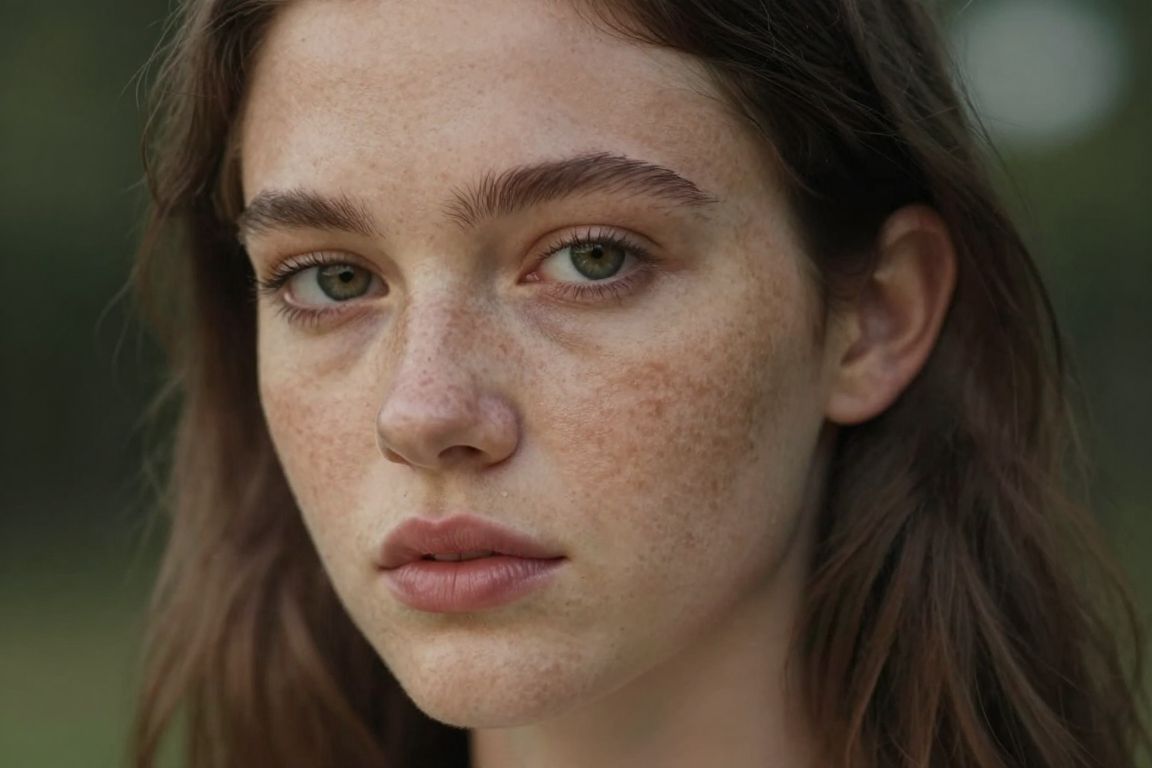 (Generated on BananaImg Z Image Turbo.)
Image 2: Vintage Film Style
Vintage 1970s film photography, a classic muscle car driving on a desert highway during sunset, golden light, lens flare, dust trails, nostalgic atmosphere, Kodak Portra 400 grain, cinematic wide shot.
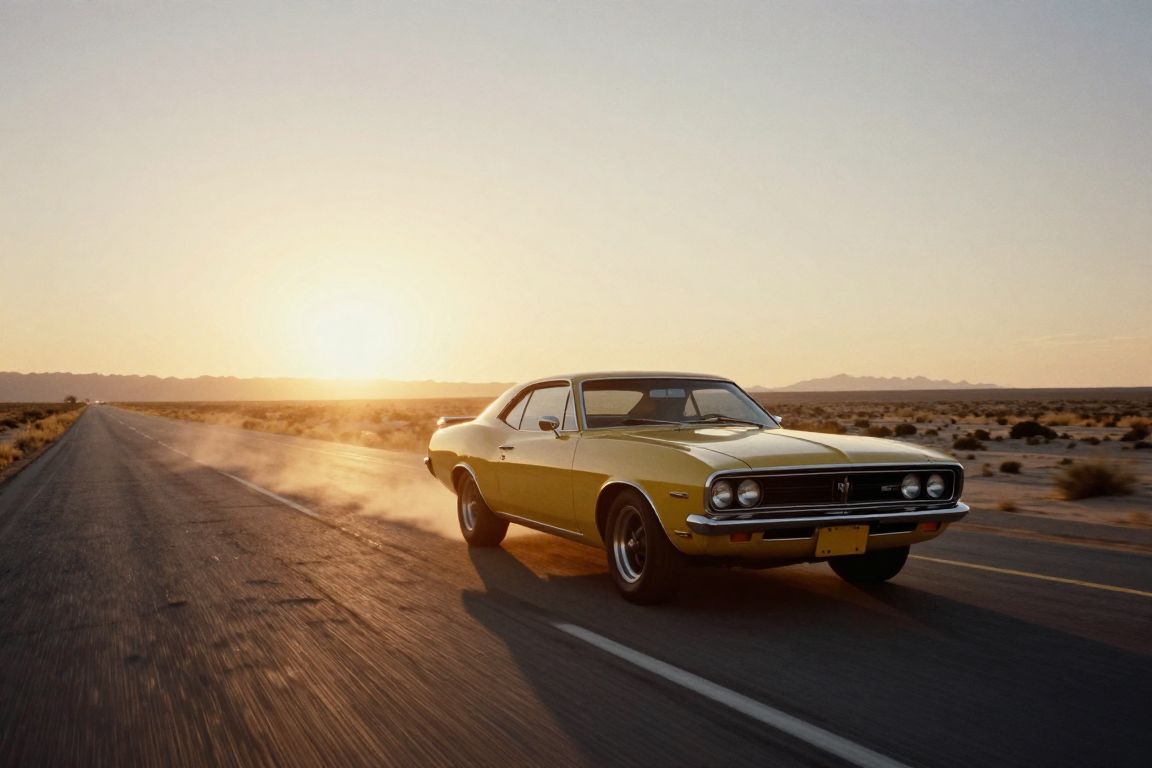 (Generated on BananaImg Z Image Turbo.)
Image 3: Fantasy Landscape
A majestic floating island in the sky, waterfalls cascading down into clouds, golden hour sunlight, fantasy art style, dreamlike atmosphere, epic scale, lush vegetation, volumetric lighting, wide angle view.
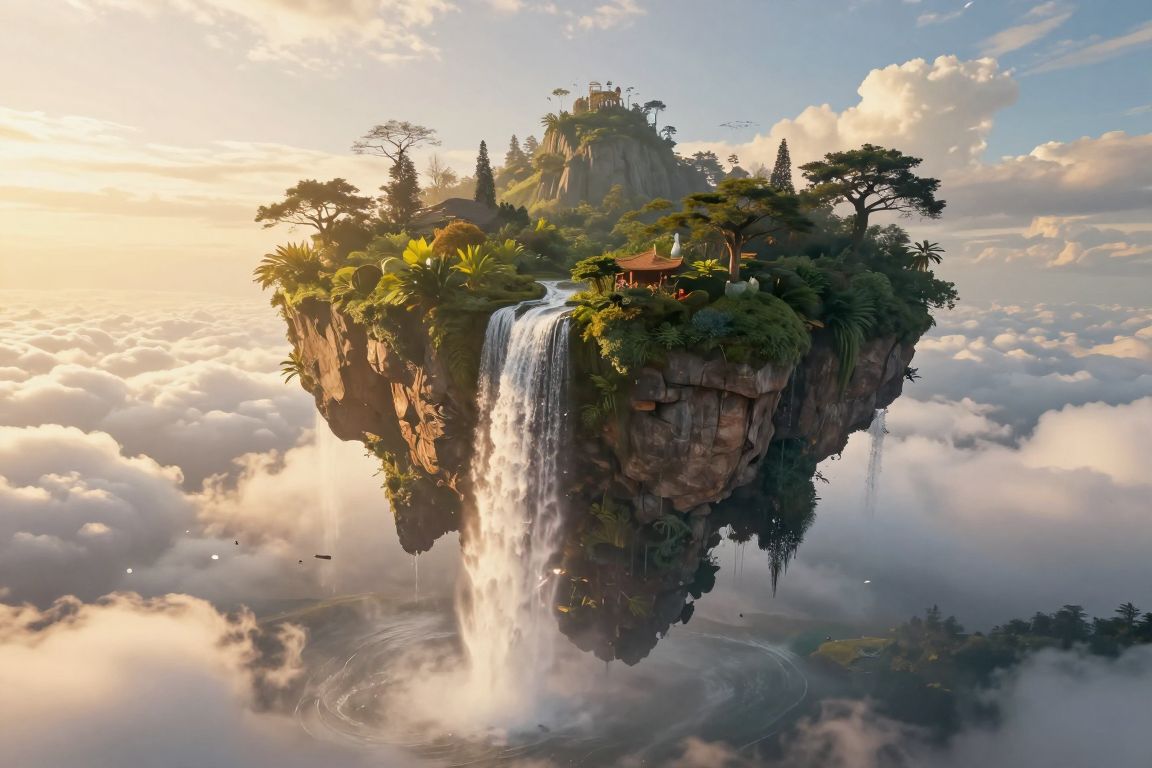
(Generated on BananaImg Z Image Turbo.)
Conclusion
Don't let technical barriers hold you back. While others are still troubleshooting their local installations or looking for github comfyui fixes, you could be building your portfolio.
Experience the power of Z-Image Turbo without the hassle. Try it free on BananaImg today!