Z-Image Turbo vs. Flux: Speed, LoRA Support, and ComfyUI Workflow
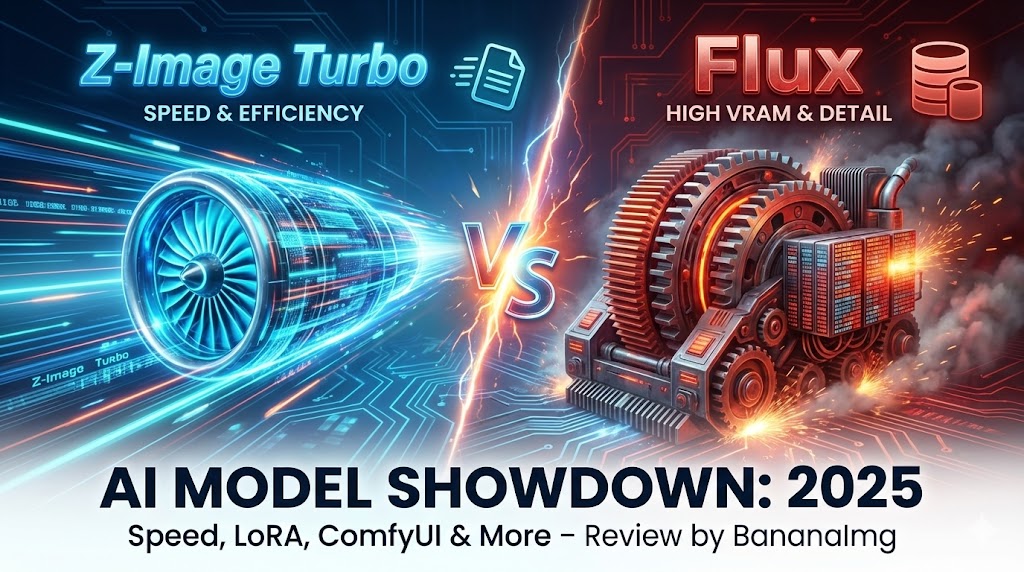
For the past few months, Flux.1 [dev] has been the undisputed king of open-source AI art. It offers incredible detail, but it comes with a heavy price: massive VRAM requirements and slow generation times. Enter the challenger: Alibaba’s Z-Image Turbo. Released in late 2025, this 6B parameter model promises to fix everything users hate about Flux. It claims to be faster, lighter, and better at bilingual text rendering. But does it live up to the hype? And more importantly, how does it handle advanced features like LoRA styles and complex ComfyUI workflows compared to the mature Flux ecosystem? In this review, we’re putting both models head-to-head. We will analyze their generation speed, text capabilities, and ease of use to help you decide which one is right for you.
(Spoiler Alert: If you want commercial-grade speed without the hardware headache, you can skip the reading and test the Z-Image Turbo model online right now at BananaImg.)
Round 1: Speed & VRAM (The Hardware Barrier)
The biggest complaint about Flux.1 [dev] is its hardware demand. To run the full unquantized model locally, you typically need a GPU with at least 24GB of VRAM (like an RTX 3090 or 4090). For most users, this means long wait times or "Out of Memory" crashes.
Z-Image Turbo changes the game with its efficient architecture.
- VRAM Usage: It runs comfortably on consumer cards with 12GB VRAM (or even less with optimizations).
- Generation Speed: In our tests, Z-Image Turbo generated a standard 1024x1024 image in about 3 seconds, whereas Flux often takes 30+ seconds on similar hardware.
Winner: Z-Image Turbo. If you need commercial speed or don't own a supercomputer, Z-Image is the clear choice.
Round 2: Text Rendering Capabilities
Both models are famous for their ability to render legible text inside images (a huge leap from the old Stable Diffusion days). However, they have different strengths.
- Flux: Excellent at rendering English words and short phrases.
- Z-Image: Since it was developed by Alibaba's Tongyi Lab, it has a unique advantage: Bilingual Support. It can render accurate Chinese characters alongside English text.
 (Image generated by Z-Image Turbo showing bilingual text support)
If you are a designer working on global e-commerce visuals or posters that require multi-language elements, Z-Image offers versatility that Flux simply lacks.
Round 3: Do You Need LoRA for Z-Image?
This is one of the most searched questions: "Does Z-Image support LoRA?"
The technical answer is yes—if you are running it locally, you can train and attach LoRAs to Z-Image. However, the ecosystem is still young compared to the thousands of Flux LoRAs available on Civitai.
But here is the twist: You might not need them.
We found that Z-Image's base model is surprisingly flexible. Unlike older models that needed a LoRA to switch from "Photorealistic" to "Anime," Z-Image follows style prompts exceptionally well.
 (Image generated on BananaImg Z-Image using only prompts—no LoRA required)
At BananaImg, we have optimized the generation pipeline. Instead of hunting for LoRA files, you can simply add keywords like "Studio Ghibli style" or "Cyberpunk aesthetic" to your prompt, and the model adapts instantly. It’s the "LoRA-free" way to get the style you want.
Round 4: The ComfyUI Workflow vs. Online Simplicity
If you look up the "ComfyUI Z-Image workflow," you will find complex node graphs involving custom text encoders, VAE decoding, and sampler adjustments.
For AI engineers, this control is great. For everyone else, it’s a barrier to entry.
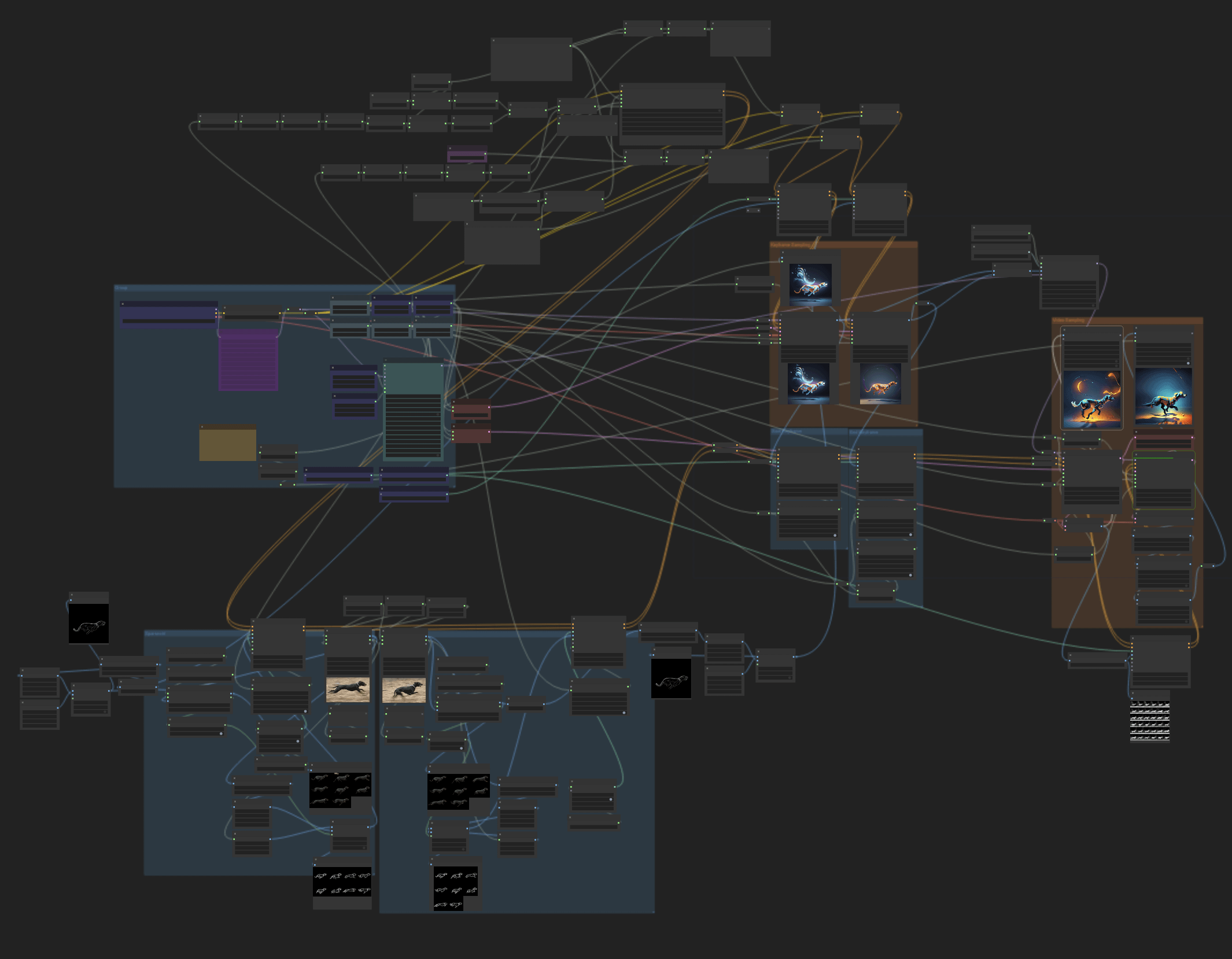 (The complex reality of local ComfyUI nodes)
Setting up ComfyUI requires:
- Installing Python and Git.
- Updating dependencies (and fixing conflicts).
- Downloading massive model weights manually.
Why overcomplicate it?
We believe technology should be accessible. At BananaImg, we have encapsulated that entire complex ComfyUI workflow into a simple, user-friendly interface. You get the power of the Z-Image Turbo model without ever seeing a node graph or a command line.
Conclusion: Which Model is for You?
The battle between Flux and Z-Image isn't about which one is "perfect"—it's about which one fits your workflow.
- Choose Flux if you are a hobbyist with high-end hardware who enjoys tweaking nodes and needs extreme micro-details.
- Choose Z-Image Turbo if you are a creator who needs speed, text accuracy, and simplicity.
Ready to see the difference speed makes?
Try the Z-Image Turbo Model Online at BananaImg.