More AI Image Generators
Explore our collection of specialized AI image generators designed for different creative needs and styles
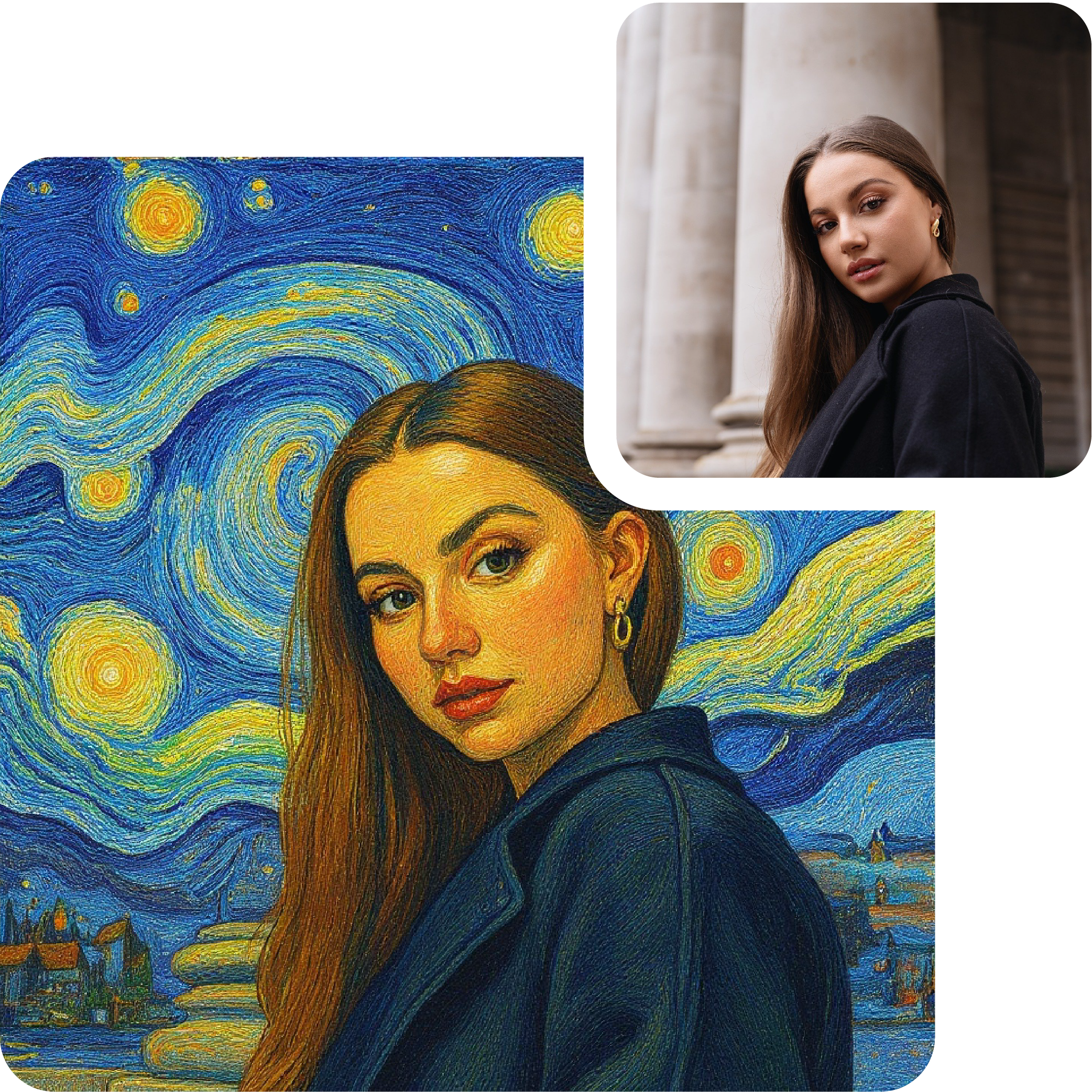
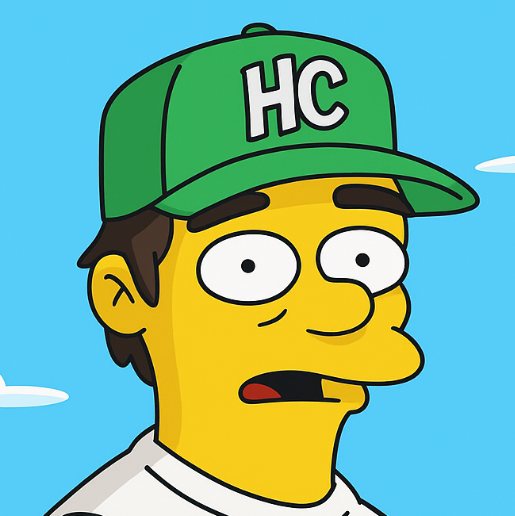
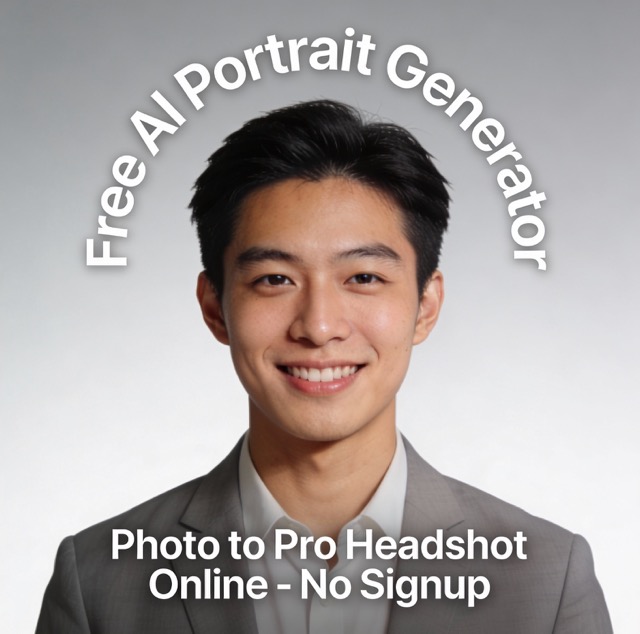

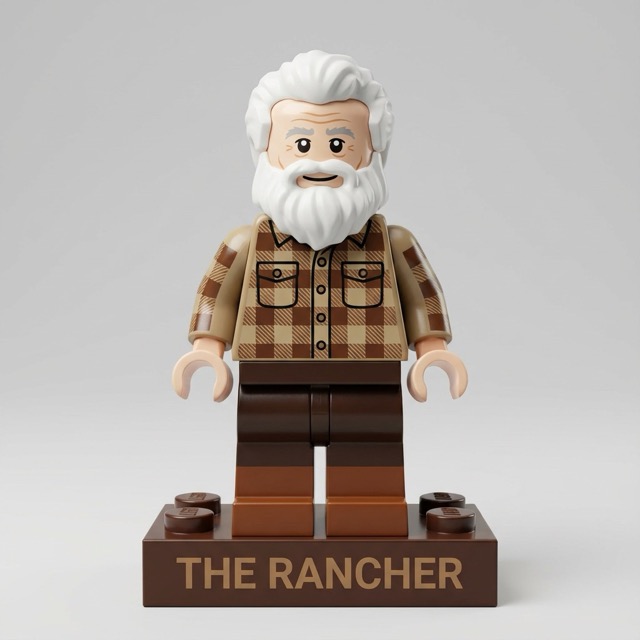
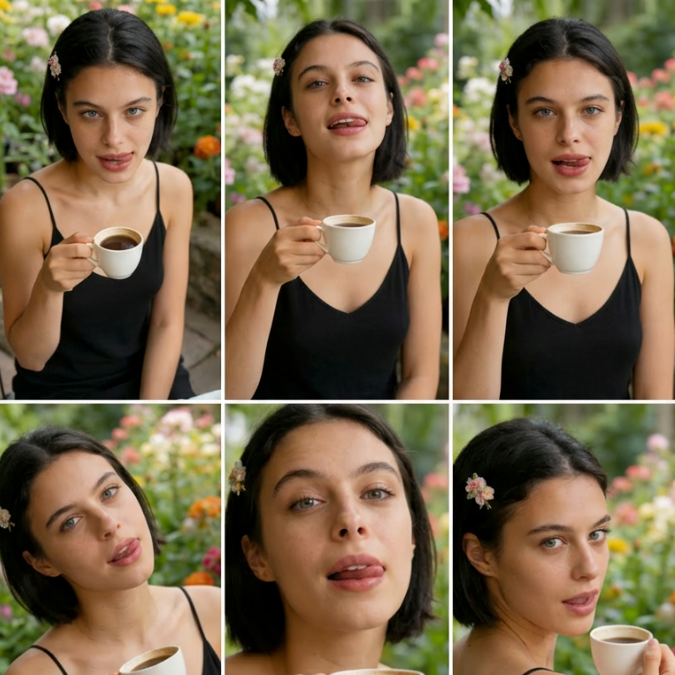
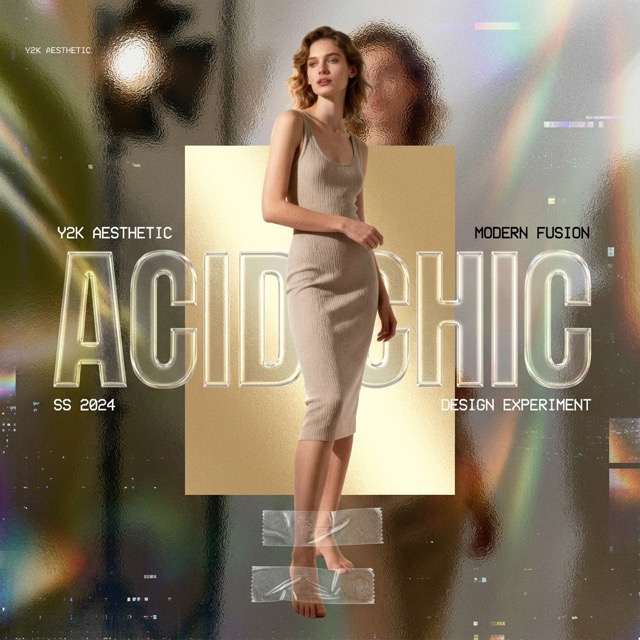
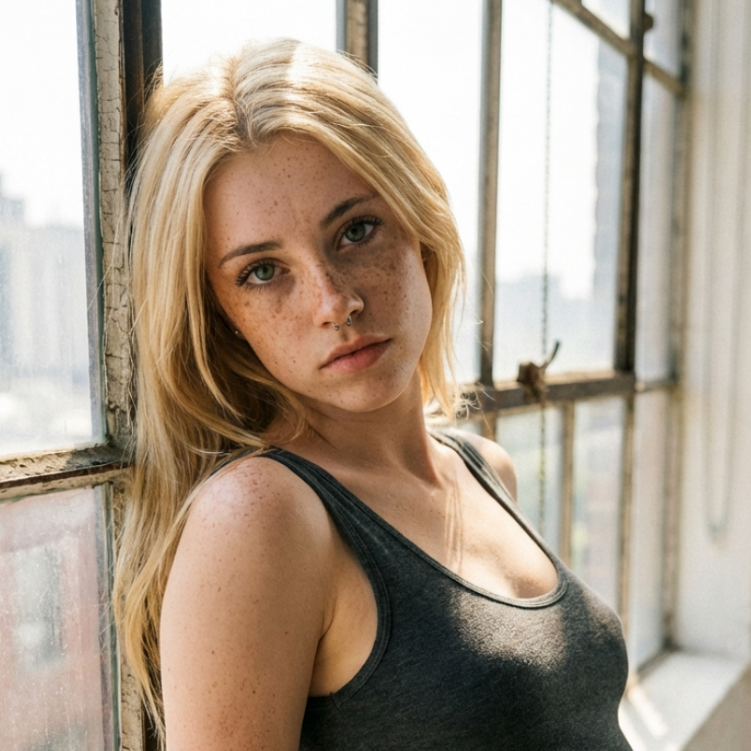
AI Photo Editor: Reimagine Any Photo Instantly
Transform your photos with AI magic. Upload, describe, generate—it's that simple with AI Photo Editor technology.
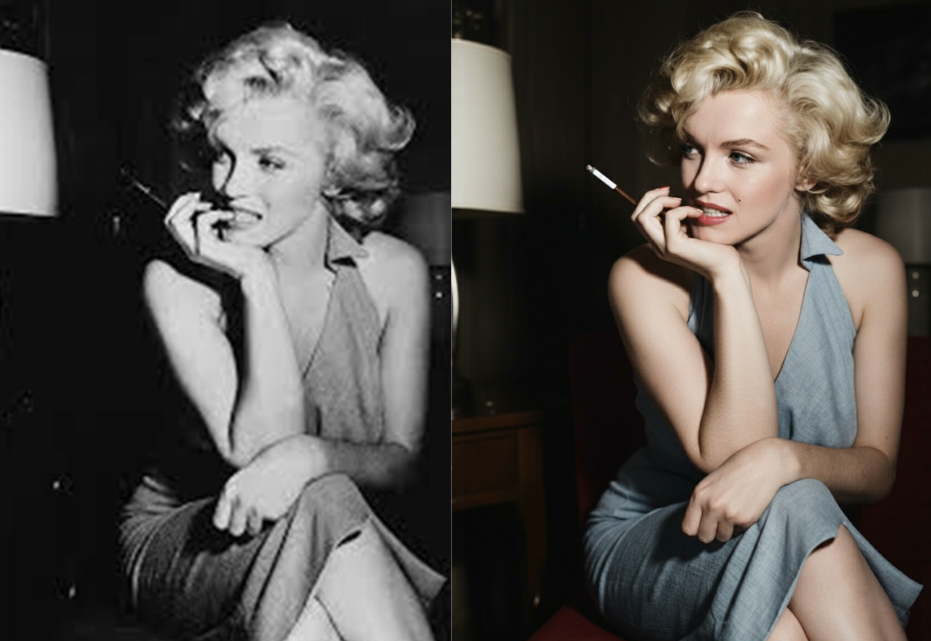
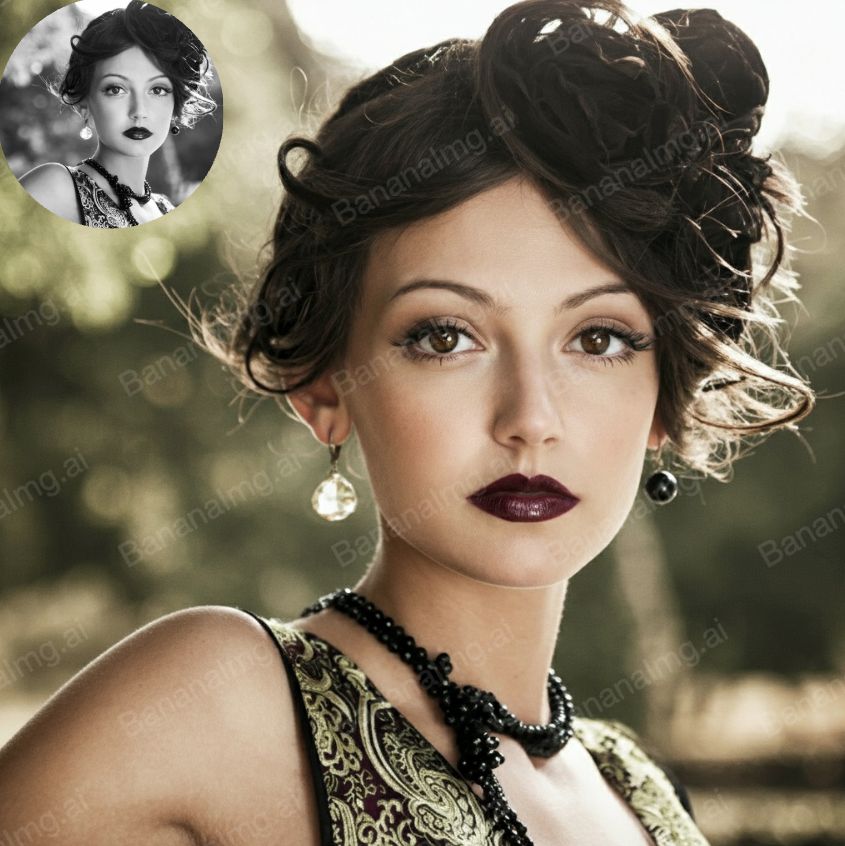
Turn ordinary photos into extraordinary art with AI Photo Editor. Whether you're a photographer looking to enhance portraits, a social media creator needing eye-catching visuals, or a business owner creating marketing materials, our AI Photo Editor platform makes it effortless. Upload your photo, type a creative prompt like 'transform into watercolor painting, vibrant colors, artistic style' or 'change background to tropical beach, sunset lighting,' and watch the AI work its magic in seconds.
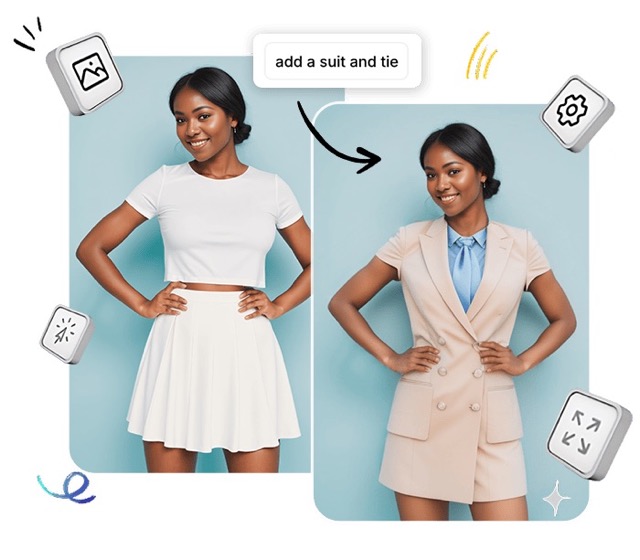
How AI Photo Editor Works
Four simple steps to transform any photo with AI—no technical skills or complex software required.

Upload Your Photo
Drag and drop any image file (JPG, PNG, WebP supported). Our AI Photo Editor accepts photos up to 10MB. The higher quality your source photo, the better the transformation results.

Describe Your Creative Vision
Write a detailed prompt describing how you want to transform the image. Be specific: mention style, colors, effects, background changes, and what elements to preserve. Example: 'change background to mountain landscape, add golden hour lighting, enhance colors, keep subject sharp'.
AI Photo Editor Magic
Click generate and let our AI Photo Editor engine analyze your photo and apply your prompt. The AI processes the image intelligently, understanding context, preserving important details, and applying transformations seamlessly.

Preview & Download Result
Compare the original with your transformed photo side by side. Love it? Download the high-resolution result instantly. Want to try something different? Adjust your prompt and regenerate with the same AI Photo Editor workflow.
Best AI Image Tools for Creative Projects
Explore creative tools for image, learn tips and tricks, and see how AI can be your assistant in turning concepts into finished projects.
Key Features of AI Photo Editor
Discover powerful image transformation capabilities—from style transfer to background changes, all powered by advanced AI technology.
AI-Powered Style Transformation
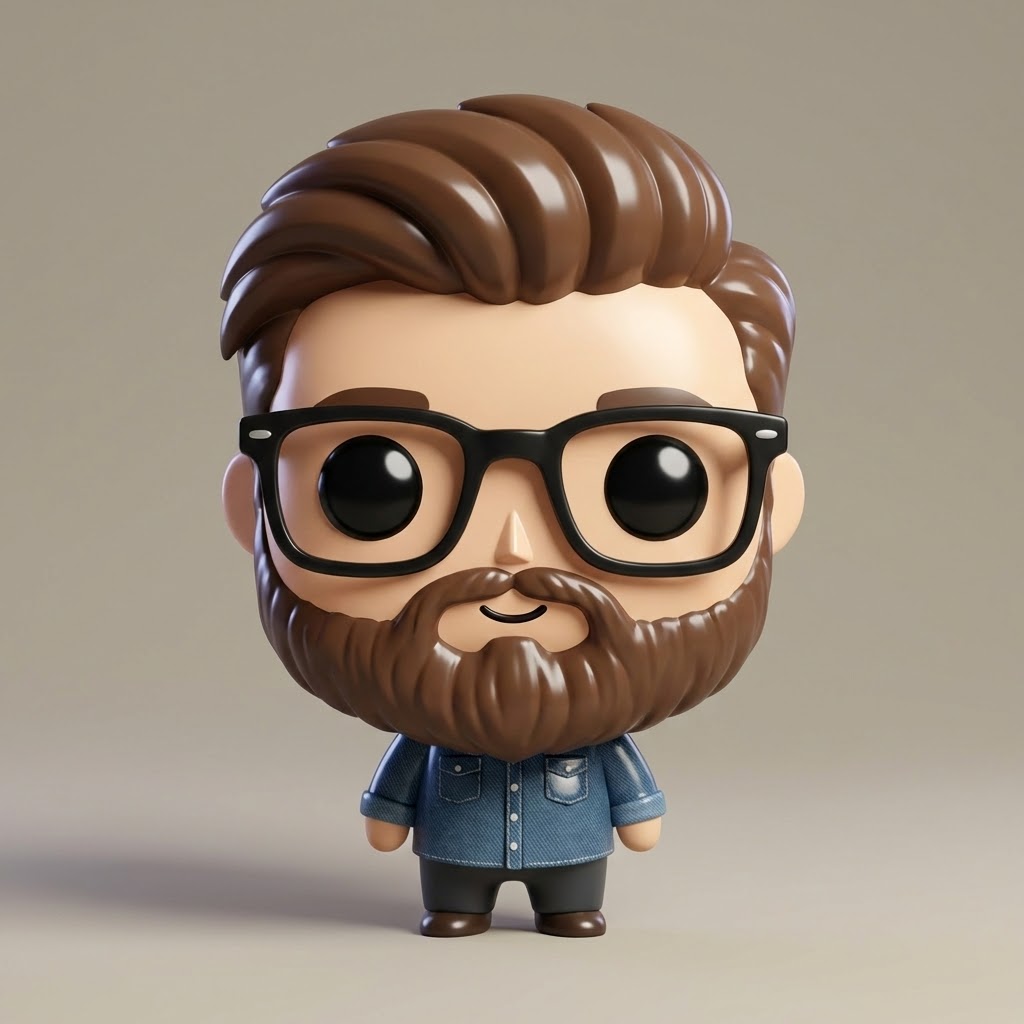
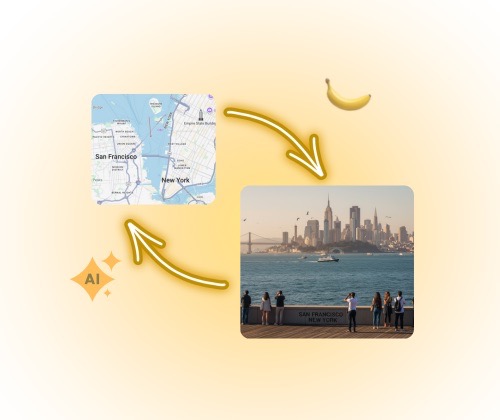
- Apply artistic styles instantly: oil painting, watercolor, anime, sketch, or cinematic photography.
- AI Photo Editor understands complex style prompts and applies them seamlessly to your photos.
- Transform product photos into creative content, or give old pictures a fresh modern aesthetic.
- Perfect for creating unique visuals that stand out on social media and capture attention.
Background Modification & Replacement
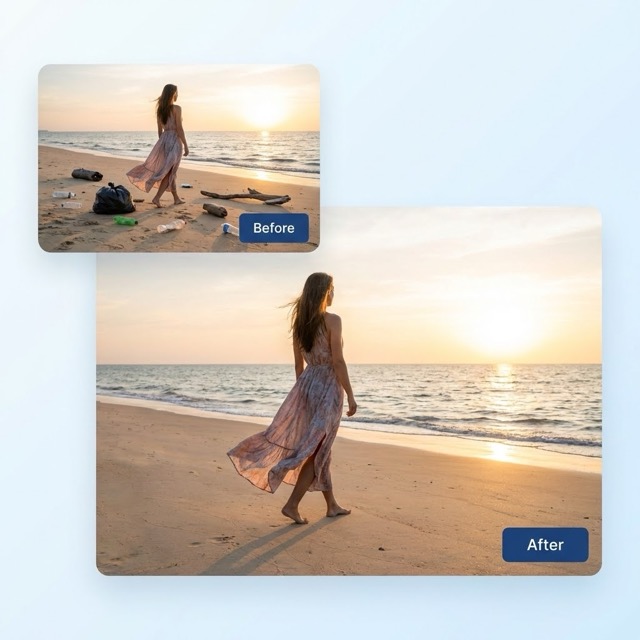
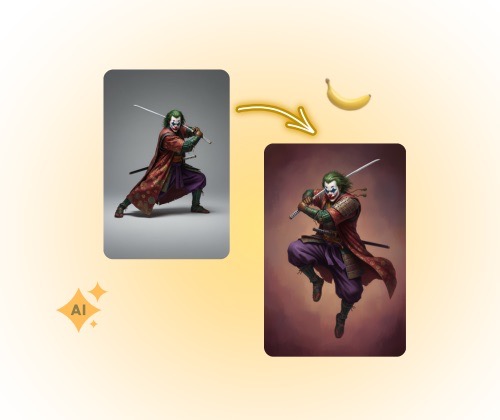
- Change backgrounds, environments, weather, or entire scenes with simple prompts.
- Keep your subject perfectly intact while transforming everything around using AI Photo Editor technology.
- Add dramatic elements: beaches, cities, mountains, studio lighting, or fantasy landscapes.
- Great for creating multiple variations of product photos without expensive photoshoots.
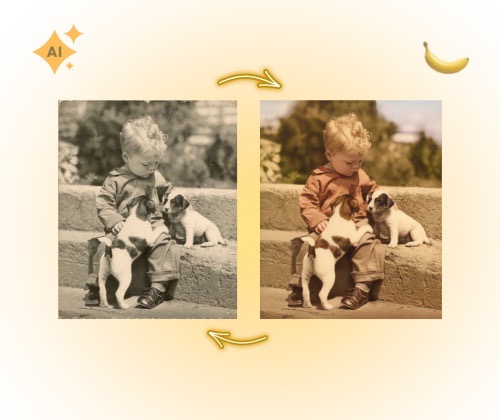
Color Grading & Enhancement
- Apply professional color grading, adjust brightness, contrast, saturation with AI precision.
- Use AI Photo Editor prompts to create moods: warm sunset tones, cool blue aesthetics, or vintage film looks.
- Enhance photos automatically while maintaining natural appearance and avoiding over-processing.
- Perfect for making photos Instagram-ready or matching brand color guidelines effortlessly.
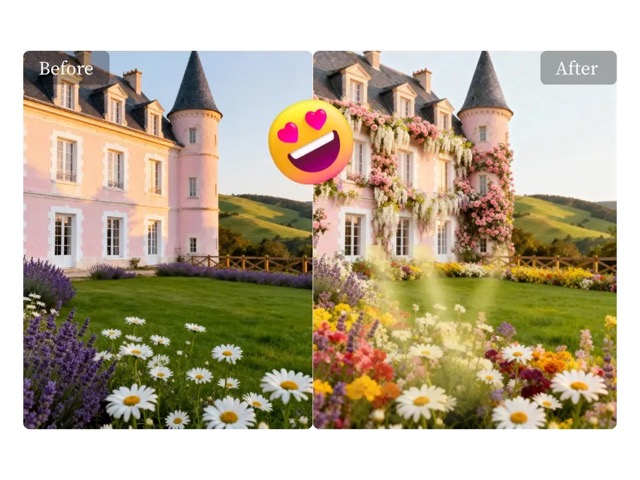
Creative Effects & Filters
- Apply creative effects like bokeh, light leaks, glow, motion blur, or artistic filters with text prompts.
- Combine multiple effects in one AI Photo Editor transformation for unique, eye-catching results.
- Create professional-looking photos with cinematic quality, HDR effects, or dreamy aesthetics.
- Export high-resolution images ready for print, web, or social media—all perfectly optimized.
Who Benefits from AI Photo Editor?
Anyone who works with photos can leverage AI Photo Editor for faster, more creative, and professional results.
Photographers & Visual Artists
Enhance your portfolio with creative variations. Use AI Photo Editor to experiment with styles, create mood boards, and offer clients diverse options from a single photoshoot.
E-commerce & Product Photography
Transform product images for different campaigns and seasonal promotions. AI Photo Editor helps you create lifestyle settings, change backgrounds, and enhance product appeal—all without reshoots.
Social Media Content Creators
Create scroll-stopping content for Instagram, TikTok, and Pinterest. AI Photo Editor transforms ordinary photos into trending aesthetics that boost engagement and grow your audience.

Marketing & Design Teams
Generate A/B test variations quickly and cost-effectively. Use AI Photo Editor to create multiple ad creatives, campaign visuals, and branded content from one base image.

Real Estate & Architecture
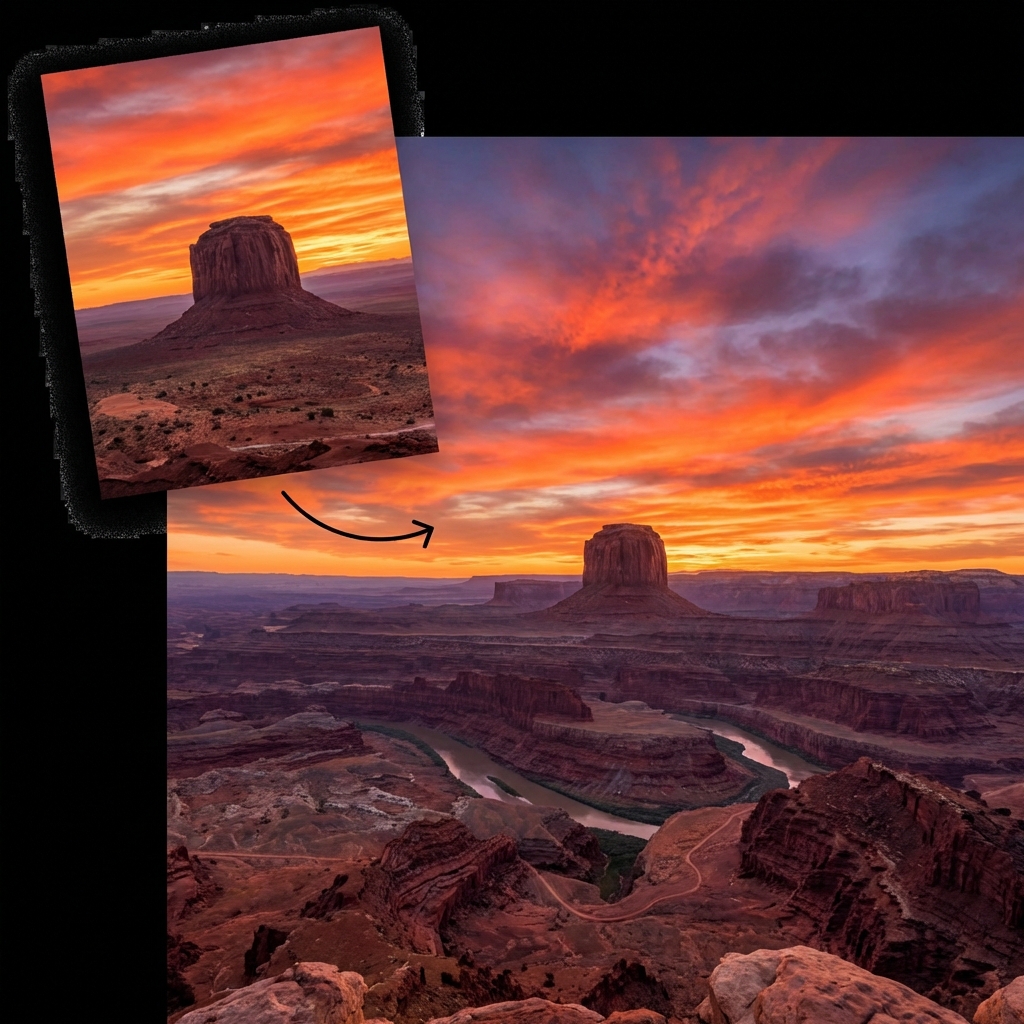
Enhance property photos with better lighting, sky replacement, and virtual staging. AI Photo Editor makes listings more attractive and helps properties sell faster.

Personal & Family Photos
Restore old photos, enhance memories, or add creative flair to family portraits. AI Photo Editor helps preserve precious moments with professional-quality results—no expertise needed.
What Users Say
Real feedback from creators and professionals who've transformed their photo editing workflow with AI Photo Editor.
AI Photo Editor revolutionized my photography workflow. I can create 10 different artistic versions of one photo in minutes. My clients are amazed by the creative options I offer now.
As an e-commerce manager, AI Photo Editor saves us thousands on product photography. We transform one product shot into multiple lifestyle settings—different backgrounds, lighting, moods. Game changer.
The prompt flexibility is incredible. I can type 'golden hour glow with soft bokeh' and AI Photo Editor nails it perfectly. No more spending hours in Photoshop tweaking settings.
I use AI Photo Editor for all my real estate listings. Sky replacement, lighting enhancement, and room staging—all with simple text prompts. My listings get 40% more inquiries now.
Frequently Asked Questions
Everything you need to know about transforming photos with AI Photo Editor technology.
AI Photo Editor is an advanced image transformation tool that uses artificial intelligence to modify your photos based on text prompts. Unlike traditional photo editors that require manual adjustments, AI Photo Editor understands natural language descriptions and automatically applies transformations. Simply describe what you want—style changes, background modifications, color adjustments, or creative effects—and the AI generates a new version of your photo matching your vision perfectly.
AI Photo Editor supports all common image formats including JPG, JPEG, PNG, WebP, and HEIC. We recommend uploading high-resolution images (at least 1024px on the longest side) for best results. Maximum file size is 10MB. The output is typically high-quality JPG or PNG format optimized for web, print, or social media use.
Most AI Photo Editor transformations complete in 5-15 seconds, depending on the complexity of your prompt and image resolution. Simple style transfers are fastest, while complex multi-element changes may take up to 30 seconds. You'll see a real-time progress indicator and can start a new transformation immediately after receiving your result.
Great prompts are specific and descriptive. Include: the desired style ('watercolor painting', 'professional portrait', 'cinematic'), specific elements to change ('change background to beach sunset', 'add dramatic lighting'), colors and mood ('warm golden tones', 'cool blue aesthetic'), and elements to preserve ('keep face natural', 'maintain original composition'). The more detailed your AI Photo Editor prompt, the more accurately the AI matches your creative vision.
Absolutely! AI Photo Editor is designed to be beginner-friendly with zero learning curve. If you can describe what you want in simple words, you can create amazing photo transformations. No Photoshop skills needed—just upload, type your idea, and generate. You can experiment freely and regenerate unlimited times until you achieve the perfect result.
Yes! AI Photo Editor generates high-resolution images suitable for both digital and print use. The output resolution matches your input image quality (up to 4K). For commercial use, professional prints, or large-format displays, we recommend uploading the highest quality source photos possible. All transformations maintain detail and avoid pixelation or quality loss.
Transform Your Photos with AI Today
Upload any photo, describe your creative vision, and watch AI Photo Editor bring it to life instantly. Join thousands of creators, photographers, and businesses transforming images faster than ever.