More AI Image Generators
Explore our collection of specialized AI image generators designed for different creative needs and styles

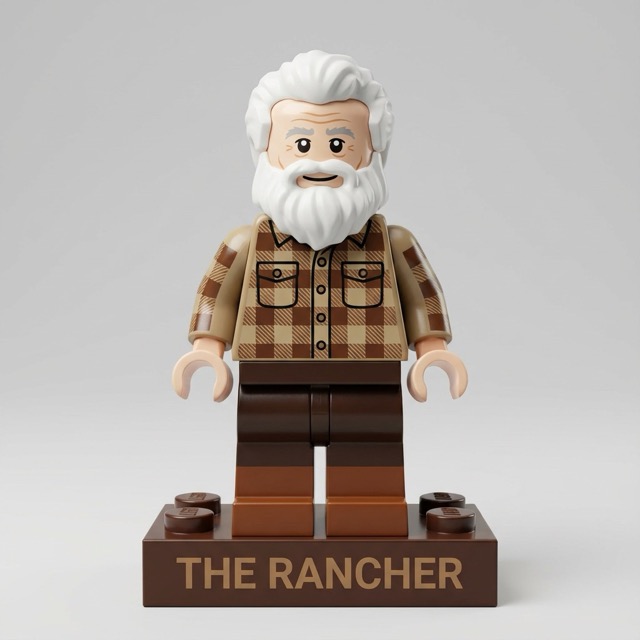
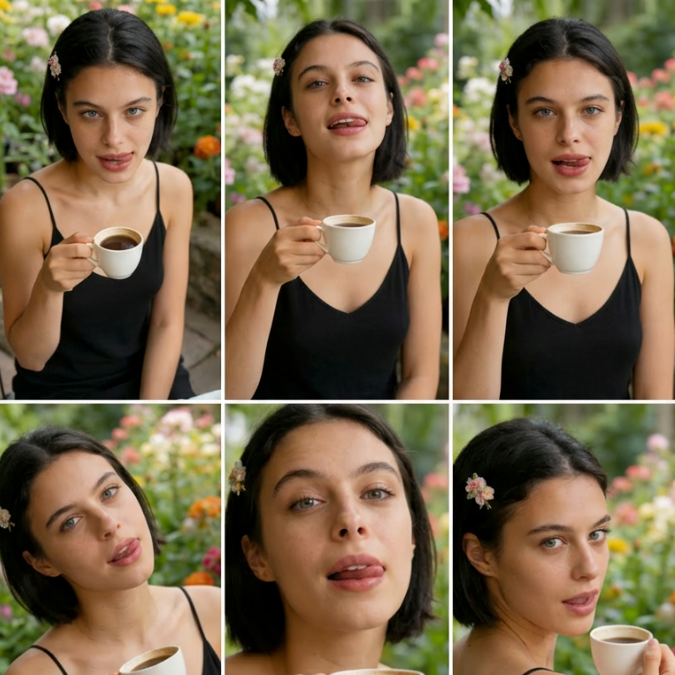
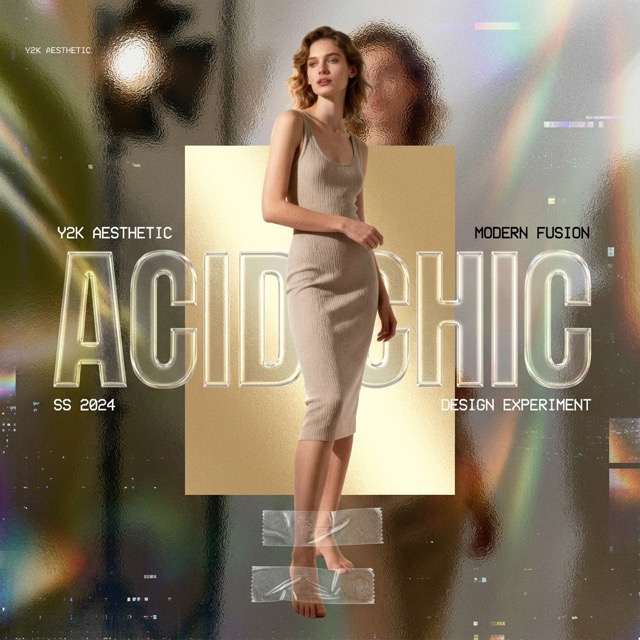
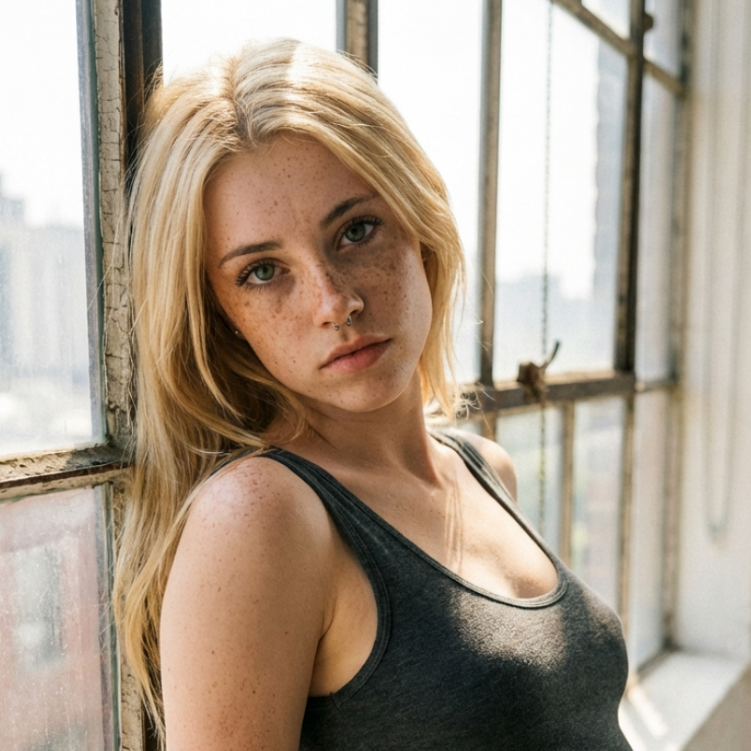
AI Uncrop Free Online — Expand Images to Any Size with AI Outpainting
Upload an Image, Choose a New Size, and Let AI Naturally Extend the Background
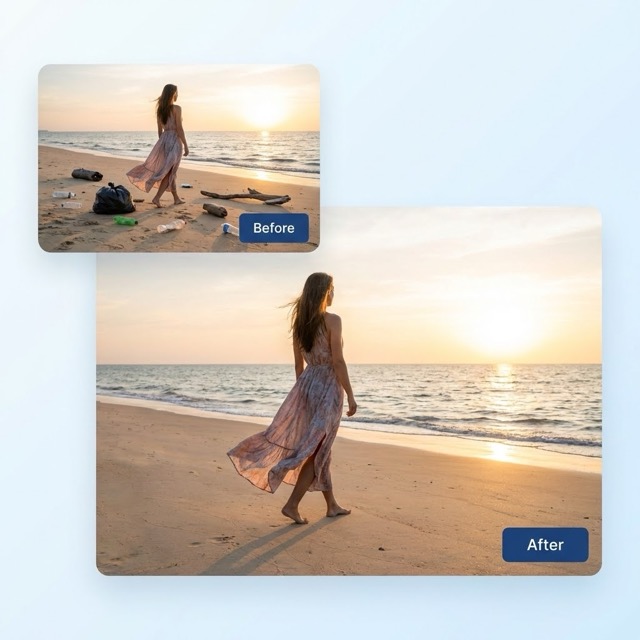
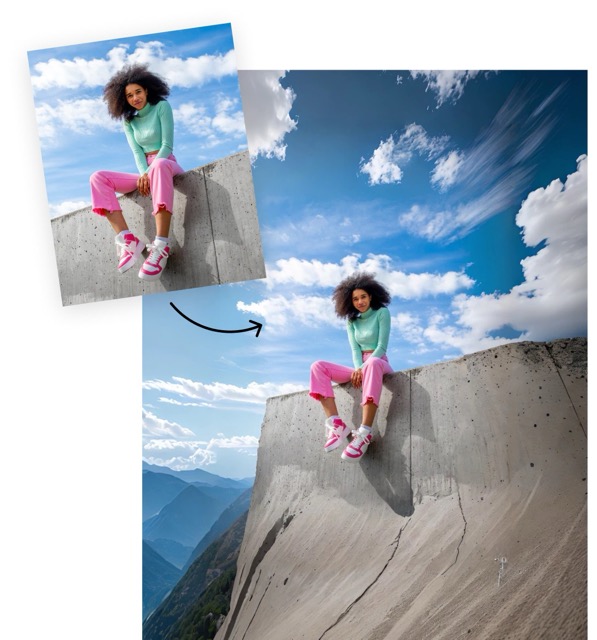
AI Uncrop is a fast, browser-based image expander that helps you uncrop, extend, and complete photos in seconds. Simply upload a JPG/PNG/WEBP, choose your target aspect ratio or custom size, and our AI outpainting model fills the missing areas naturally—perfect for banners, product photos, social posts, and design layouts. No downloads, no complex editing, and no manual background rebuilding. Expand images to the exact dimensions you need while keeping the result clean, sharp, and realistic.
Why Use AI Uncrop to Expand Images?
AI Uncrop combines easy online access, flexible resizing, and realistic AI outpainting to help you extend photos naturally—so every image fits your target dimensions without manual background editing.
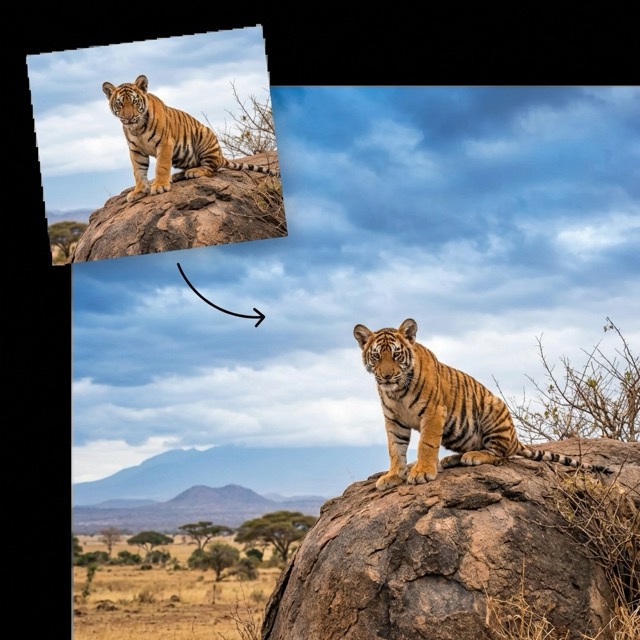
Works Online — No Download Needed
- Use AI Uncrop directly in your browser on desktop or mobile.
- No installs, no plugins, and no learning curve.
- Upload → choose size → generate → download in a smooth workflow.
- Perfect when you need to expand an image quickly for a specific layout.
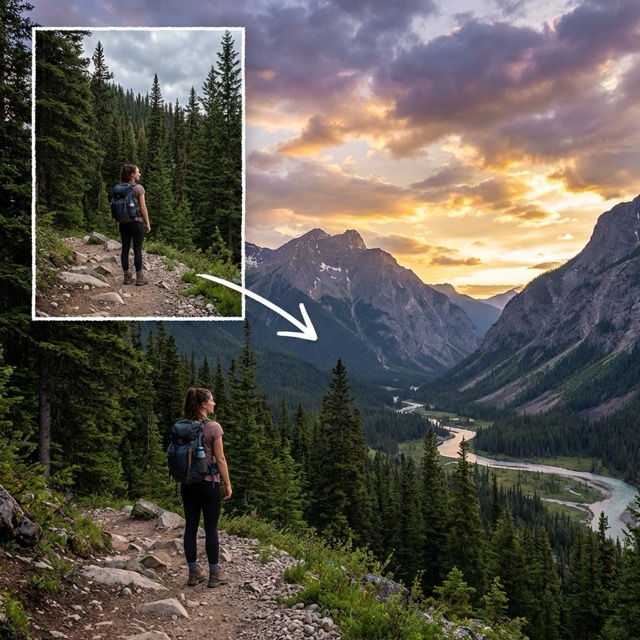
Reframe with Aspect Ratio & Position
- Select a target aspect ratio (like 1:1, 4:5, 16:9) or a custom size.
- Move your original image within the new frame to get the best composition.
- AI Uncrop expands in any direction to match your chosen dimensions.
- Great for turning a tight crop into a full banner or poster layout.
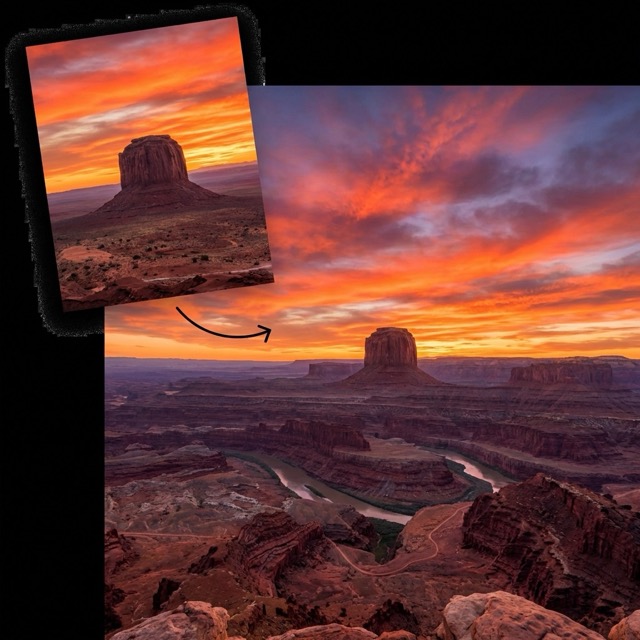
Natural AI Outpainting Results
- Our AI image expander uses content-aware generation to complete missing areas.
- Extend backgrounds, scenery, and edges while keeping textures consistent.
- Ideal for product shots, landscapes, portraits, and marketing creatives.
- Get a clean result without spending hours in Photoshop.
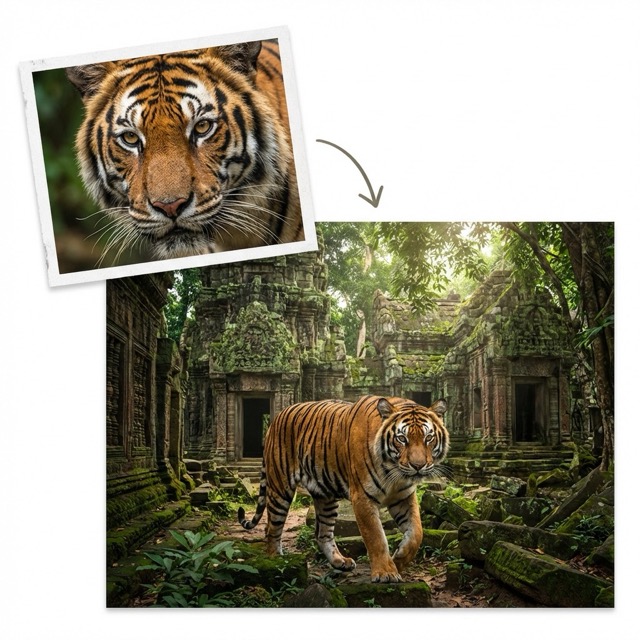
High-Quality Download (No Watermark)
- Download your expanded image in high quality for design, printing, or sharing.
- Keep your visuals sharp and ready for real-world use.
- Designed to preserve your original image quality while expanding the canvas.
- Make every image fit your layout perfectly with AI Uncrop.
Best AI Image Tools for Creative Projects
Explore creative tools for image, learn tips and tricks, and see how AI can be your assistant in turning concepts into finished projects.

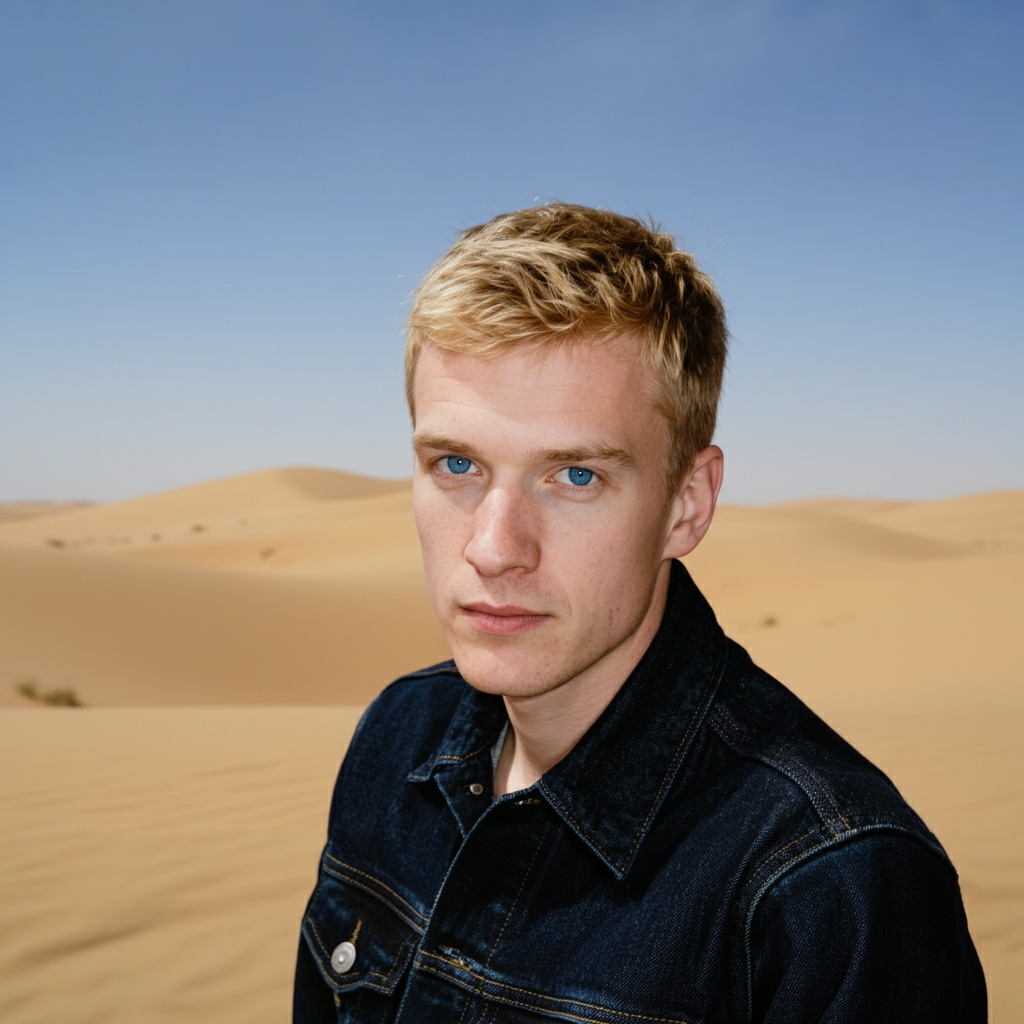
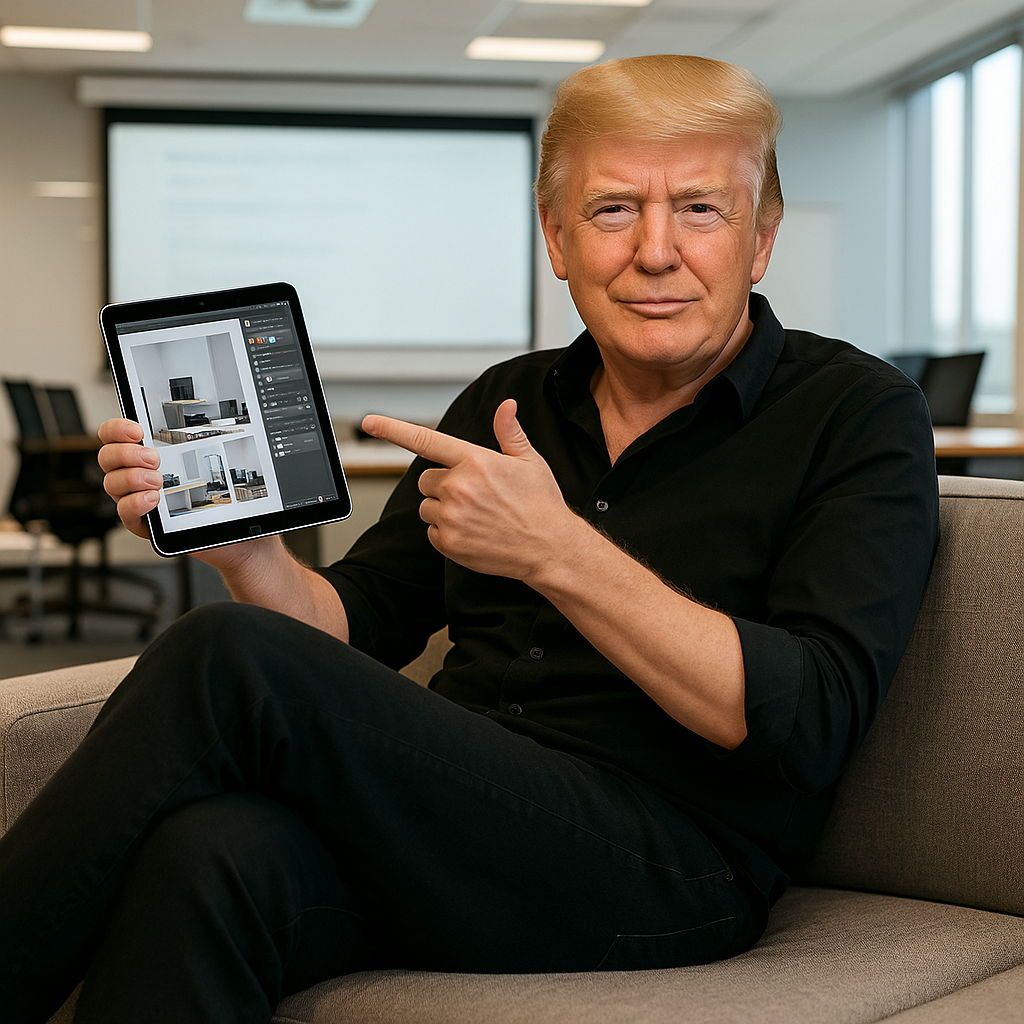
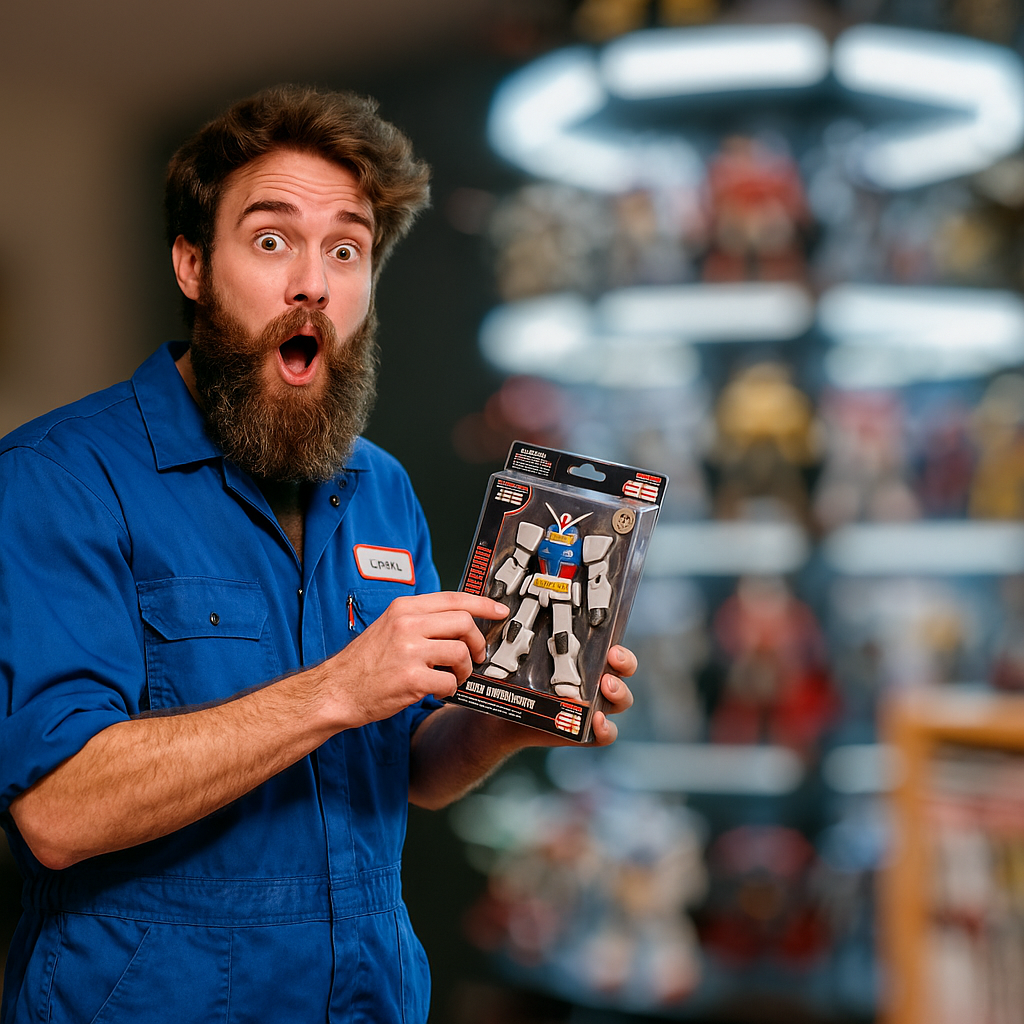
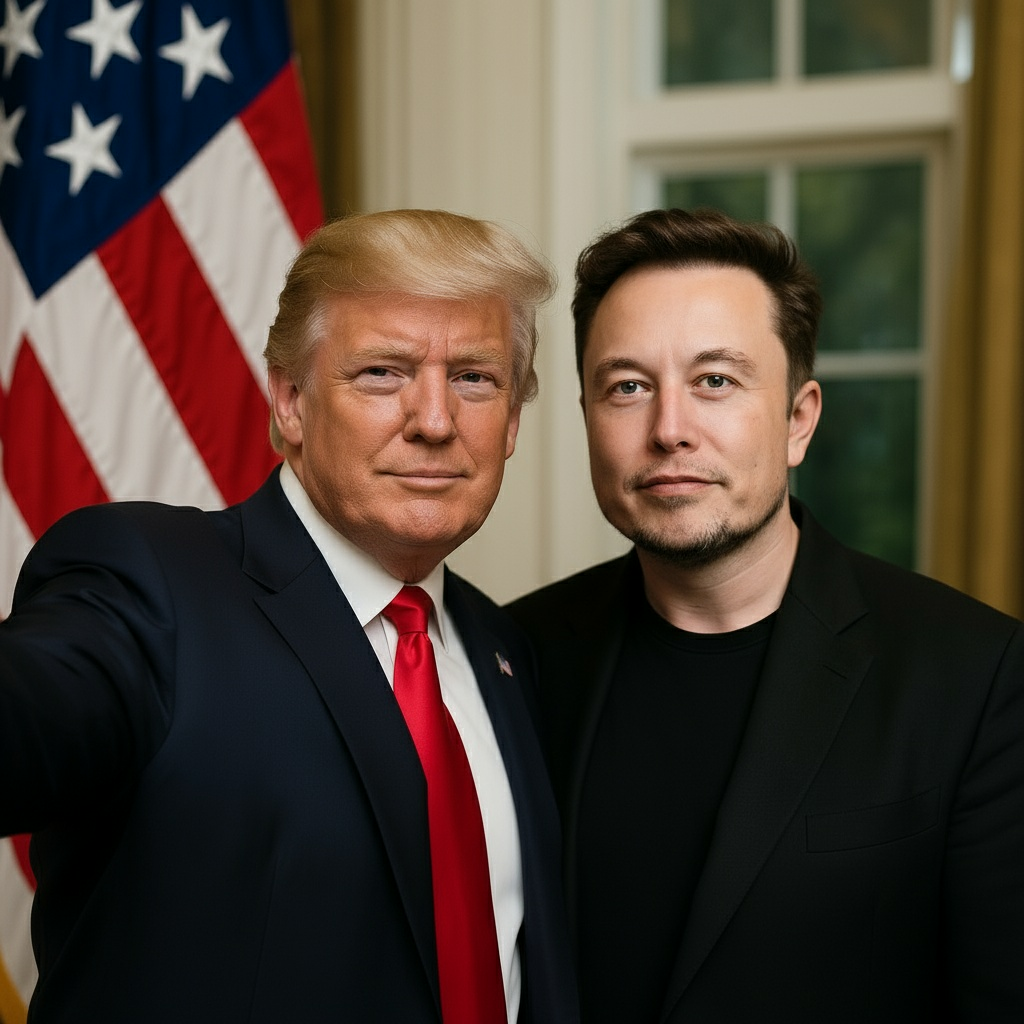
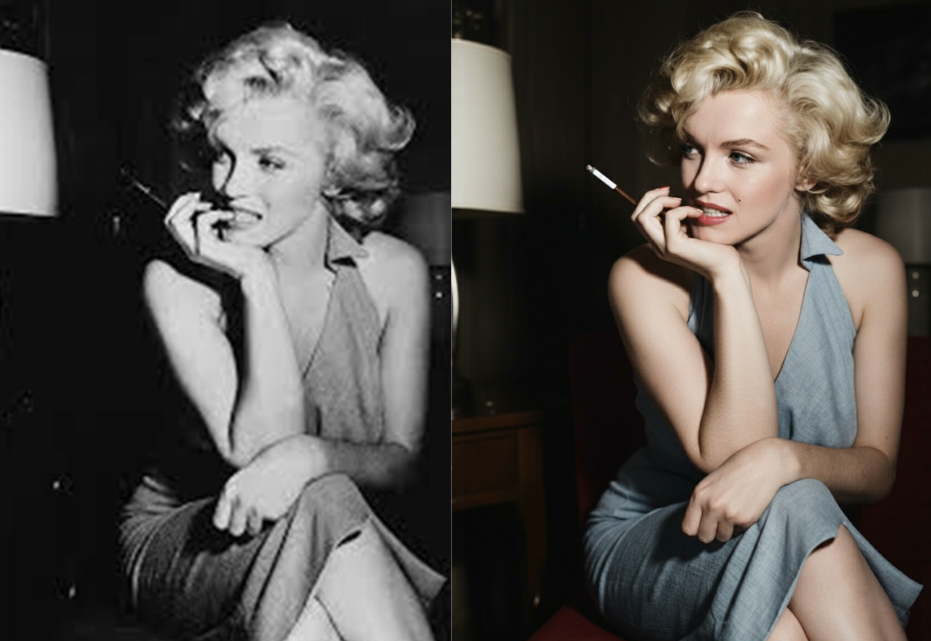
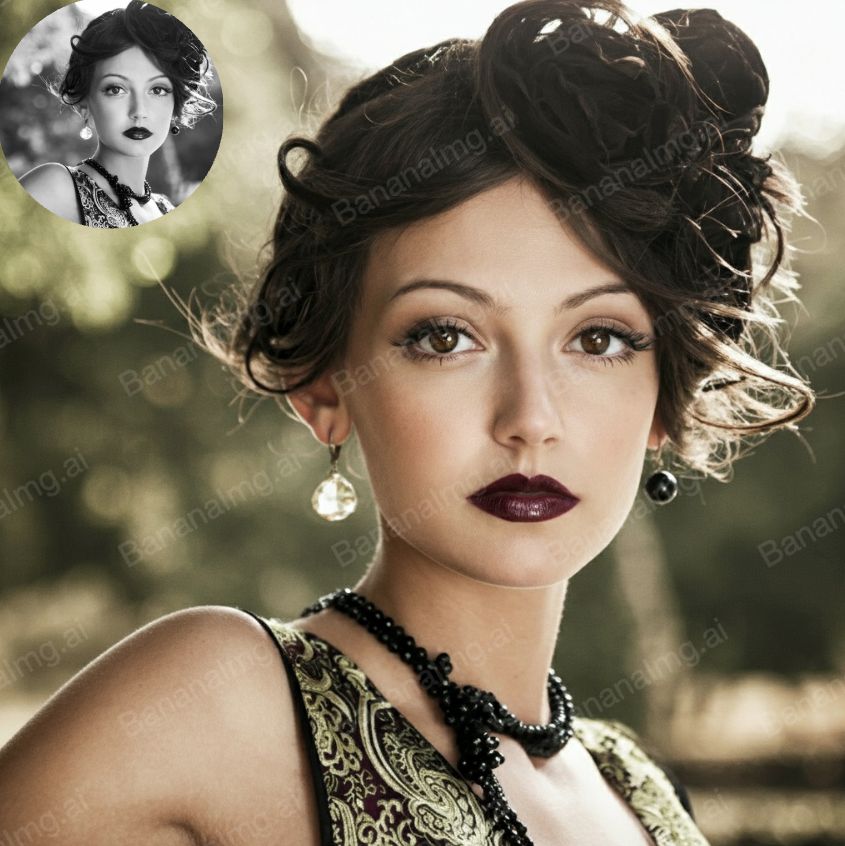
How to Use AI Uncrop in 3 Easy Steps
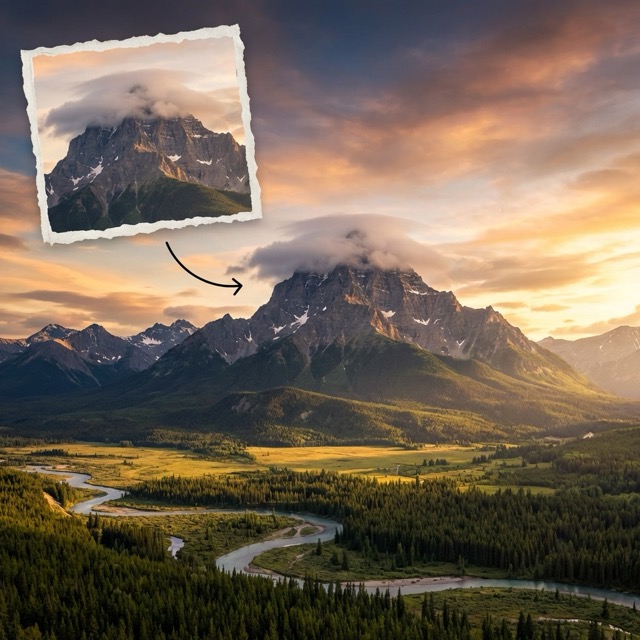
AI Uncrop makes image expansion simple: upload a photo, choose your target size, and let AI outpainting extend the canvas naturally—ready to download in seconds.
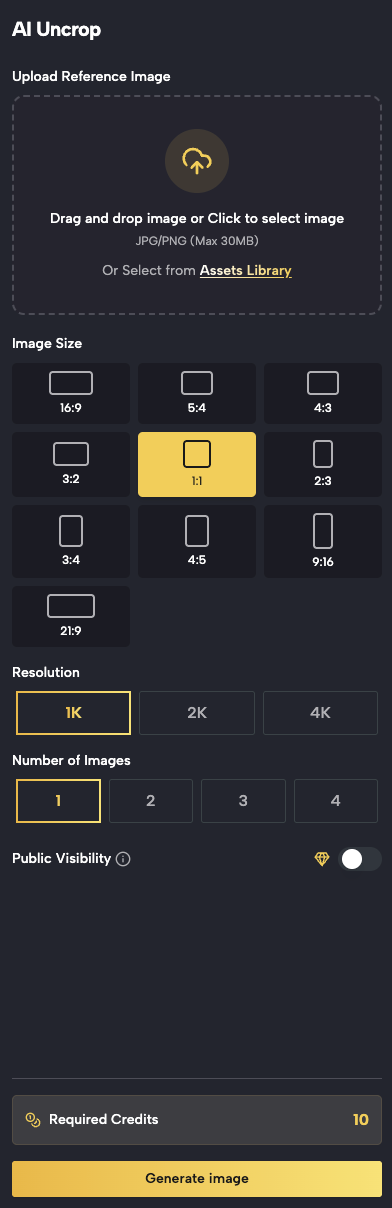
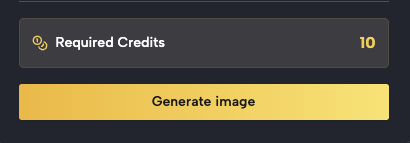
Upload Your Image
Start with any photo you want to expand
Click Upload image (or drag & drop) to add your photo.
Supported formats
JPG, JPEG, PNG, WEBP.
For best results, use a clear image with good lighting and sharp edges.
Tip
High-resolution photos give the AI more context for natural expansion.
Use Cases for AI Uncrop & AI Image Expansion
From social media to e-commerce and design, AI Uncrop helps you expand images to the exact sizes you need—fast, clean, and without manual editing.
Social Media Posts & Banners
Expand images to platform-friendly aspect ratios (1:1, 4:5, 9:16, 16:9) so your visuals fit perfectly on Instagram, TikTok, YouTube, and ads. AI Uncrop helps you add breathing room for captions and safe margins without awkward cropping.
Product Photos & E-commerce
Need more background space for marketplaces, thumbnails, or product detail pages? Use AI Uncrop to extend the canvas around product photos, create clean framing, and keep your brand visuals consistent across listings.
Design Layouts & Marketing Creatives
Make images fit posters, flyers, landing pages, and hero sections. AI Uncrop creates extra canvas for headlines, CTA buttons, and layout grids—without manual background rebuilding means faster creative production.

Fix Tight Crops & Missing Edges
If your photo is too close to the subject or got cropped by a platform, AI Uncrop can extend the borders and restore missing context, turning a cramped image into a balanced composition.

Photography & Content Creation
Creators use AI outpainting to extend landscapes, portraits, and lifestyle shots for thumbnails and story formats. AI Uncrop keeps textures and lighting consistent so expanded areas blend naturally.
Print, Slides, and Presentations
Prepare images for posters, documents, and slide decks by expanding them to exact dimensions. AI Uncrop makes it easy to add extra negative space for text while keeping the image visually coherent.
Users Love AI Uncrop
Creators, marketers, and everyday users rely on AI Uncrop to expand images quickly, keep composition flexible, and get clean outpainting results without complex editing.
AI Uncrop saved me so much time. I used to rebuild backgrounds manually just to fit a banner size—now I upload, choose the aspect ratio, and the AI outpainting looks surprisingly natural.
We expand product photos every day for marketplaces. AI Uncrop helps us keep consistent framing and gives us extra space for design without ugly stretching or cropping.
I’m not a designer, but the workflow is simple: upload, pick a size, generate, download. The expanded areas blend well with the original photo, and it’s great for slides and reports.
AI Uncrop makes it easy to create ad creatives fast. I can add background space for text and keep the composition clean without spending hours editing.
AI Uncrop FAQ — Common Questions
Learn how AI Uncrop works, what formats it supports, how long it takes, and how to get the best AI outpainting results when expanding images.
AI Uncrop supports common formats including JPG, JPEG, PNG, and WEBP. Upload a clear image for the most natural AI outpainting results.
Upload your photo, choose a target size or aspect ratio, position the image inside the new frame, and click Generate. Our AI outpainting model fills the empty areas to match your selected dimensions.
Yes. To keep processing fast and stable, uploads typically have a maximum size limit (for example, up to 10MB). If your file is larger, try resizing it before uploading.
Most expansions finish in seconds. Free users may occasionally wait in a short queue during peak times, while paid users typically get faster processing.
We prioritize privacy. Your images are processed securely for generation and are not shared with third parties. If your workflow requires strict privacy, avoid uploading sensitive images.
Yes. AI Uncrop can extend photos with people, including portraits. Results may vary depending on lighting, background complexity, and how much you expand the canvas.
Basic usage can be available without an account. Creating an account may unlock features like saved history, faster processing, and additional output options depending on your plan.
Output resolution depends on the selected plan and settings. Free users may have lower resolution limits, while paid users can access higher-definition outputs for professional use.
Ready to Expand Your Images with AI Uncrop?
Stop cropping important details out of your photos. Use AI Uncrop to extend backgrounds, uncrop tight frames, and generate the exact image size you need in seconds with AI outpainting—online, fast, and easy.